
Key Takeaways
- No Single Framework Fits Every App: The right choice depends on platform, performance, features, team expertise, and long-term goals.
- Cross-Platform Leaders Stand Out: Flutter and React Native with Expo remain strong choices for building Android and iOS apps efficiently.
- Native Frameworks Offer Greater Control: SwiftUI and Jetpack Compose provide deep platform integration for Apple and Android applications.
- Code Sharing Should Be Strategic: Kotlin Multiplatform and Compose Multiplatform help teams share logic or UI without ignoring native requirements.
- Specialized Apps Need Specialized Tools: Unity and Solar2D are better suited to games and interactive experiences than standard business applications.
The success of a mobile app is shaped long before users tap the download button. The framework chosen at the start can influence how fast the app performs, how smoothly it scales, how easily new features are added, and how much effort ongoing maintenance requires.
Today’s Mobile App Development Frameworks offer very different strengths. Some help teams build Android and iOS apps from a shared codebase, while others prioritize native performance, enterprise compatibility, web-based development, or immersive gaming experiences.
The challenge is not finding the most popular option. It is finding the framework that fits the product, the users, and the long-term roadmap. This guide compares 15 leading frameworks and technologies in 2027, highlighting where each one performs best and what businesses should consider before making a decision.
Quick Stat:
According to Sensor Tower’s State of Mobile 2025 report, users spent a combined 4.2 trillion hours using mobile apps in 2024.
What Is a Mobile App Development Framework?
A mobile app development framework provides reusable components, libraries, APIs, and tools for building mobile applications more efficiently. Instead of creating every feature from scratch, developers can use established building blocks to improve speed, consistency, and maintainability.
The technologies in this guide fall into different categories:
Cross-Platform Frameworks
These allow teams to reuse code across Android, iOS, and sometimes web and desktop platforms. Examples include Flutter, React Native, .NET MAUI, NativeScript, and Uno Platform.
Multiplatform Technologies
These let developers choose which application layers to share and which to keep platform-specific. Kotlin Multiplatform, for example, can share business logic while retaining native interfaces.
Native UI Frameworks
These are built for a specific ecosystem, such as SwiftUI for Apple platforms and Jetpack Compose for Android.
Hybrid and Web-Based Frameworks
These use web technologies such as HTML, CSS, and JavaScript, often with a runtime like Capacitor to access native device features.
Mobile Game Engines
These provide graphics, animation, physics, audio, and asset tools for interactive experiences. Unity and Solar2D are examples.
Also Read: Mobile App Development Process: Step-by-Step GuideSince these technologies serve different purposes, they should be compared based on the type of application being built.
Quick Comparison of the Best Mobile App Development Frameworks
| Framework or technology | Primary language | Main platforms | Development approach | Best suited for |
| Flutter | Dart | Android, iOS, web, desktop | Cross-platform | Visually customized applications |
| React Native with Expo | JavaScript, TypeScript | Android, iOS, web | Cross-platform | React-based products and faster releases |
| Kotlin Multiplatform | Kotlin | Android, iOS, web, desktop, server | Multiplatform | Shared logic with native flexibility |
| .NET MAUI | C#, XAML | Android, iOS, Windows, macOS | Cross-platform | Microsoft-focused enterprise applications |
| Ionic with Capacitor | HTML, CSS, JavaScript, TypeScript | Android, iOS, web | Hybrid | Web-first mobile applications |
| SwiftUI | Swift | Apple platforms | Native | iOS and Apple ecosystem applications |
| Jetpack Compose | Kotlin | Android and other Android form factors | Native | Modern native Android interfaces |
| NativeScript | JavaScript, TypeScript | Android, iOS, visionOS and others | Cross-platform native | Direct native API access with web skills |
| Uno Platform | C#, XAML | Android, iOS, web, desktop, embedded | Cross-platform | WinUI and .NET teams |
| Unity | C# | Android, iOS and other platforms | Game engine | 2D, 3D, AR and interactive experiences |
| Solar2D | Lua | Android, iOS, desktop, TV and web | 2D engine | Lightweight 2D games |
| Compose Multiplatform | Kotlin | Android, iOS, desktop, web | Shared declarative UI | Kotlin-based shared interfaces |
| Avalonia UI | C#, XAML | Android, iOS, Windows, macOS, Linux, WebAssembly | Cross-platform UI | Mobile and desktop .NET applications |
| Framework7 | HTML, CSS, JavaScript | Android, iOS, web | Hybrid or web-first | Prototypes and interface-driven apps |
| Quasar Framework | Vue and JavaScript or TypeScript | Android, iOS, web, desktop | Web-first with Capacitor | Vue-based multi-platform products |
15 Best Mobile App Development Frameworks in 2027
1. Flutter
Best for: Customized cross-platform applications with consistent interfaces
Flutter is an open-source toolkit that uses Dart to build mobile, web, desktop, and embedded applications from a shared codebase. Its widget and rendering systems give developers strong control over interface appearance and behavior.
Build Custom Mobile Apps with Flutter
Key advantages
- Shared code across multiple platforms
- Material and Cupertino widget libraries
- Strong animation and UI customization support
- Hot reload for faster iteration
- Access to platform-specific code
Expert View
Flutter aims to target iOS, Android, Windows, Linux, macOS, and the web from a single codebase, with native compilation and high-quality visuals.
-
-
Tim Sneath, former Product Manager for Flutter
-
Flutter suits branded customer apps, ecommerce products, fintech platforms, dashboards, and applications requiring customized interfaces.
Its main limitation is the need to use Dart, which may require training. Advanced native SDK integrations may also require platform channels or custom plugins.
Among current Mobile App Development Frameworks, Flutter provides a strong combination of platform coverage and interface control.
Expert Perspective:
Cross-platform development reduces duplicated effort, but it does not eliminate platform-specific work. Native integrations, testing, accessibility, and app-store requirements still need separate attention.
- Henit Nathwani, Department Head – Mobile, EvinceDev
2. React Native with Expo
Best for: Cross-platform products built by React and JavaScript teams
React Native enables Android and iOS development using React, JavaScript, or TypeScript. Expo adds tools for routing, native modules, development builds, updates, project configuration, and app-store submission.
Expo supports native applications across Android, iOS, and the web, with file-based routing and a standard library of native modules.
Build Cross-Platform Apps with React Native and Expo
Key advantages
- Familiar development model for React teams
- Large JavaScript and React ecosystem
- Shared Android and iOS development
- Expo tools for routing, builds, updates, and deployment
- Support for native module integration
React Native with Expo suits SaaS products, marketplaces, social platforms, delivery apps, internal tools, and products requiring frequent releases.
Complex integrations may still require Swift, Objective-C, Kotlin, or Java. Teams should also assess the maintenance and quality of third-party packages.
Businesses seeking cross-platform mobile app development services often compare Flutter and React Native because both support broad product requirements.
3. Kotlin Multiplatform
Best for: Sharing application logic without giving up native flexibility
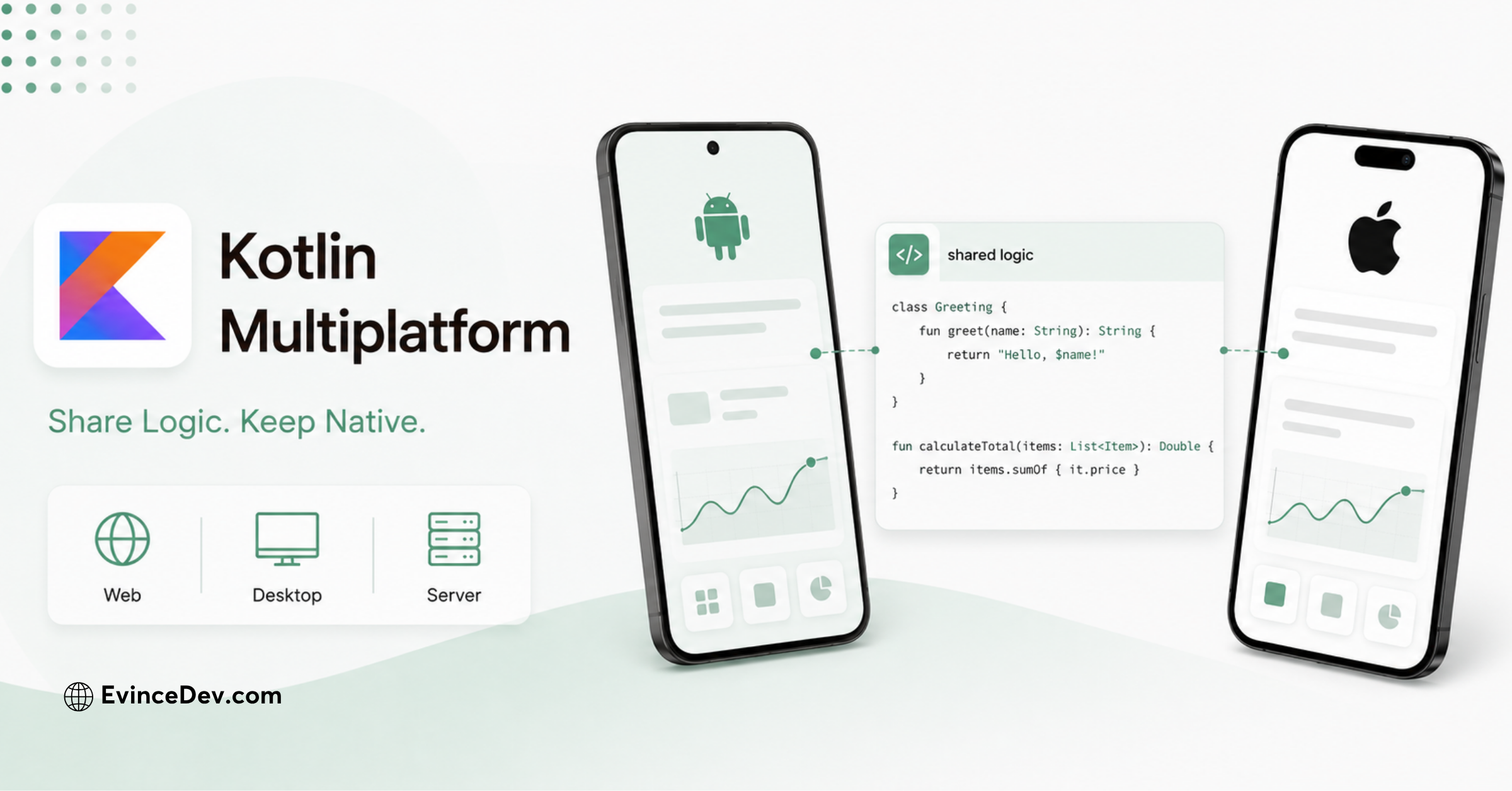
Kotlin Multiplatform, or KMP, enables code sharing across Android, iOS, desktop, web, and server environments. Teams can share networking, data, validation, and business logic while retaining native interfaces or using Compose Multiplatform for shared UI.
Build Native Apps with Kotlin Multiplatform
Key advantages
- Flexible control over shared code
- Strong Android and iOS interoperability
- Suitable for gradual adoption
- Direct access to native platform APIs
- Kotlin support across multiple application layers
KMP suits businesses that want shared logic without sacrificing platform-specific experiences. It can also help modernize existing Android and iOS applications gradually.
Its main challenge is architectural complexity. Teams still need Android and iOS knowledge, making it less suitable for small teams seeking maximum sharing with limited platform expertise.
Expert Perspective:
The highest percentage of shared code does not always produce the best architecture. Sharing business logic while retaining native interfaces can offer a stronger balance between efficiency and user experience.
- Henit Nathwani, Department Head – Mobile, EvinceDev
4. .NET MAUI
Best for: Enterprise applications within the Microsoft ecosystem
.NET MAUI is Microsoft’s cross-platform framework for building native mobile and desktop applications with C# and XAML. It supports Android, iOS, Mac Catalyst, and Windows.
.NET MAUI for Microsoft-Based Mobile Applications
Key advantages
- Shared C# and .NET code
- Microsoft development-tool integration
- Reusable XAML-based interfaces
- Access to native platform features
- Support for mobile and desktop applications
.NET MAUI is practical for organizations using .NET, Azure, Microsoft identity services, or C#. Common uses include employee apps, field-service tools, dashboards, and enterprise portals.
It may be less suitable for teams without .NET expertise. Platform-specific behavior and highly customized interfaces can also require additional engineering.
For Microsoft-oriented mobile application development, .NET MAUI extends existing enterprise skills into native mobile and desktop delivery.
5. Ionic with Capacitor
Best for: Web-first applications and teams using standard frontend technologies
Ionic provides interface components and tooling for web-based applications. Capacitor packages these applications for native platforms and provides access to features such as the camera, file system, location, notifications, and app lifecycle.
Ionic and Capacitor for Cross-Platform Applications
Key advantages
- Uses HTML, CSS, JavaScript, and TypeScript
- Works with Angular, React, Vue, or standard JavaScript
- Supports web, PWA, Android, and iOS delivery
- Accesses native features through Capacitor plugins
- Reuses existing web development skills
Ionic with Capacitor suits internal apps, content products, booking systems, dashboards, and forms where development efficiency matters more than graphics-intensive performance.
Because the interface runs in a WebView, it may not suit intensive animations, advanced 3D experiences, or specialized platform interactions. Performance should be tested on representative devices.
6. SwiftUI
Best for: Native applications across Apple platforms
SwiftUI for Apple Ecosystem Applications
SwiftUI is Apple’s declarative framework for building interfaces with Swift. It provides views, controls, layouts, event handling, and data-flow capabilities across Apple platforms.
Key advantages
- Deep Apple-platform integration
- Declarative interface development
- Access to current Apple APIs
- Preview support through Xcode
- Shared concepts across iPhone, iPad, Mac, Watch, TV, and Vision Pro
SwiftUI suits Apple-exclusive applications and products requiring deep integration with Apple services or hardware.
Its main limitation is platform coverage. It does not support Android, so businesses targeting both ecosystems need a separate Android application or another architecture.
For Apple-first products, SwiftUI is an important Mobile App Development Framework, although it is technically a native UI framework.
7. Jetpack Compose
Best for: Modern native Android applications
Jetpack Compose is Google’s recommended toolkit for native Android interfaces. It uses Kotlin and a declarative model that defines interfaces through composable functions rather than traditional XML layouts.
Jetpack Compose for Adaptive Android Interfaces
Key advantages
- Recommended for modern Android UI
- Concise, declarative Kotlin APIs
- Strong Android Studio integration
- Support for animation, state, navigation, and testing
- Adaptive interfaces across Android device types
Jetpack Compose suits Android-first products and can be combined with Kotlin Multiplatform to share logic while retaining a native Android interface.
Its primary limitation is its Android focus. Compose Multiplatform extends the model to other platforms, but the two technologies serve different purposes.
Following best practices for mobile app development, teams should create adaptive layouts for phones, tablets, foldables, TVs, and wearables.
8. NativeScript
Best for: Native applications using JavaScript or TypeScript skills
NativeScript gives JavaScript and TypeScript developers direct access to native platform APIs. Depending on the project setup, it can support mobile, web, television, wearable, and spatial-device experiences.
Key advantages
- Direct native API access
- JavaScript and TypeScript development
- Support for different frontend approaches
- Ability to add native platform code
- Native UI instead of a standard WebView
NativeScript suits teams with strong JavaScript expertise that need deeper native access than conventional hybrid frameworks provide.
Its ecosystem is smaller than Flutter’s or React Native’s. Teams should confirm plugin maintenance, compatibility, and developer availability before using it for a long-term product.
NativeScript remains a useful option among Mobile App Development Frameworks when direct native API access is important.
9. Uno Platform
Best for: Cross-platform products built with C#, XAML, and WinUI concepts
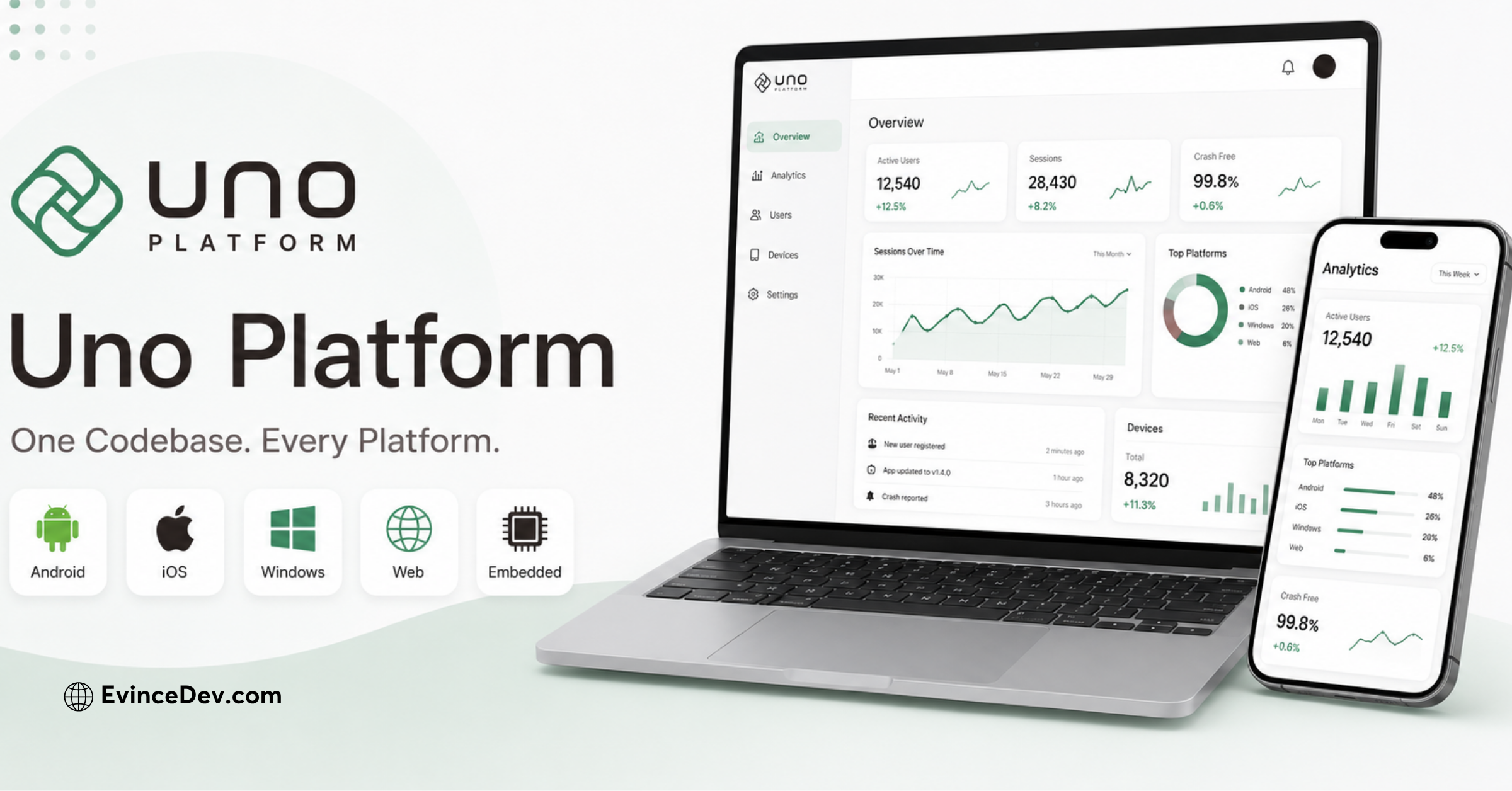
Uno Platform for C# and XAML Development
Uno Platform is an open-source .NET platform for building mobile, web, desktop, and embedded applications from a shared codebase. It uses C# and XAML and supports Android, iOS, web, Windows, macOS, and Linux.
Key advantages
- C# and XAML development
- Broad platform coverage
- Familiar model for WinUI developers
- Shared code and interface definitions
- Flexible rendering options
Uno Platform suits organizations with WinUI, UWP, XAML, or .NET expertise that need to extend applications across multiple device categories.
It may have a steeper learning curve for teams without Microsoft UI experience. Its ecosystem and hiring market are also smaller than those of mainstream alternatives.
Providers of enterprise mobile app development services should compare Uno Platform with .NET MAUI and Avalonia UI based on the project’s requirements.
10. Unity
Best for: 2D and 3D games, simulations, AR, and interactive experiences
Unity is a real-time engine for games and interactive applications. It supports mobile build, testing, debugging, and publishing workflows and can access device capabilities through engine APIs or native plugins.
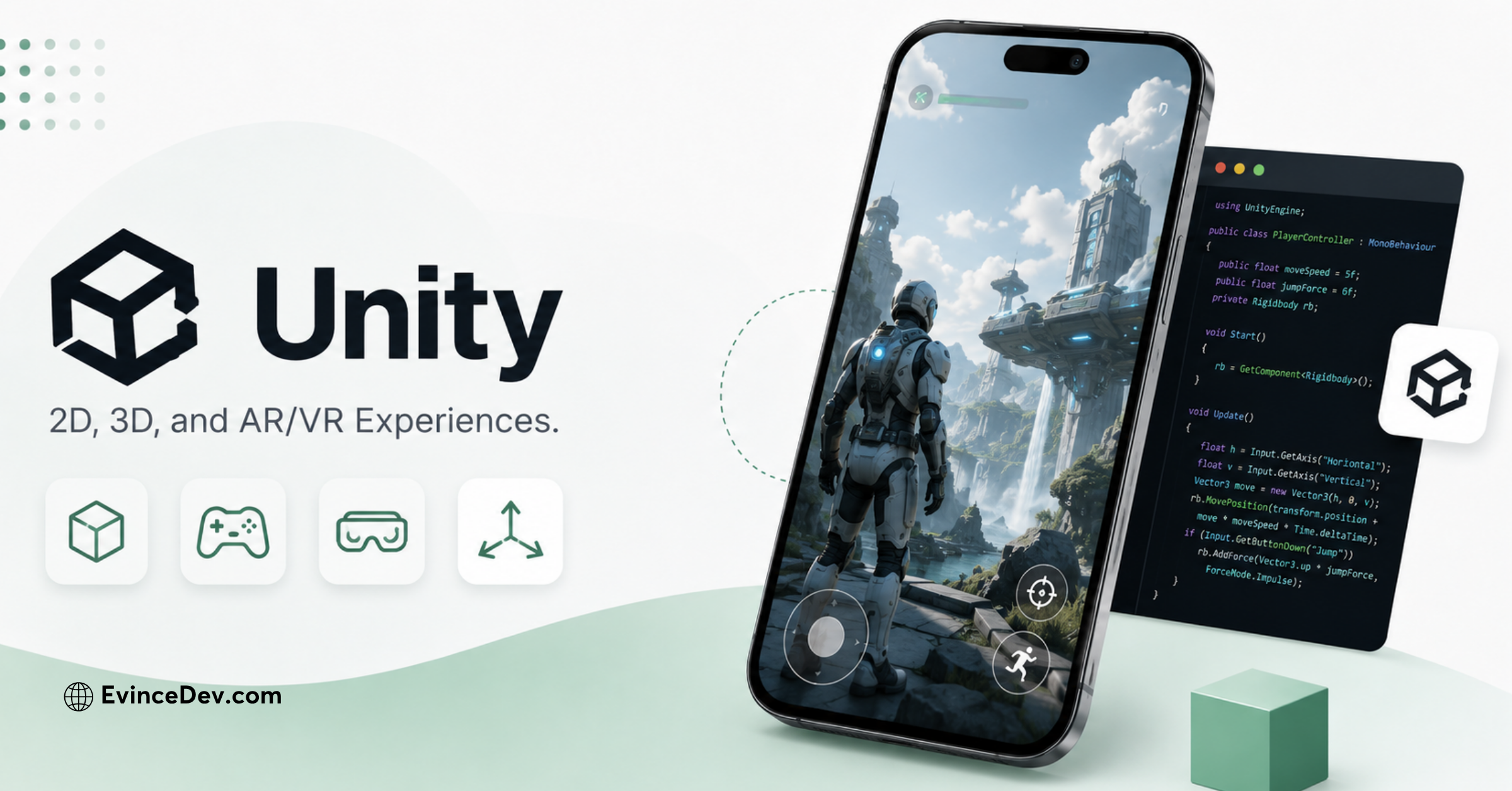
Build Interactive Mobile Experiences with Unity
Key advantages
- Advanced 2D and 3D graphics
- Physics, animation, audio, and asset systems
- Large game-development ecosystem
- Multi-platform deployment
- Support for AR, simulations, and visualization
Unity suits mobile games, immersive learning products, configurators, training tools, and visual simulations.
It is usually excessive for standard ecommerce, banking, booking, or content apps. Projects may also require careful optimization for battery use, file size, memory, and lower-end devices.
Unity should be viewed as a specialized engine rather than a direct alternative to Flutter or React Native.
11. Solar2D
Best for: Lightweight 2D mobile games and interactive applications
Solar2D, formerly Corona SDK, is an open-source Lua-based framework and game engine. It supports mobile, desktop, connected-TV, and web environments from a shared codebase.
Key advantages
- Lightweight Lua language
- Focused 2D game-development workflow
- Built-in physics, animation, audio, and graphics
- Multi-platform deployment
- Fast simulation and iteration
Solar2D mostly suits casual games, educational products, interactive stories, as well as, the simple 2D experiences.
Its ecosystem, talent pool, and commercial adoption are smaller than the Unity’s and it is also not intended for general enterprise applications, so plugin and platform requirements should be reviewed carefully.
12. Compose Multiplatform
Best for: Sharing Kotlin-based interfaces across platforms
Compose Multiplatform is JetBrains’ declarative UI framework for sharing Kotlin-based interfaces across Android, iOS, desktop, and web targets.
Key advantages
- Shared declarative UI in Kotlin
- Alignment with Kotlin Multiplatform
- Familiar model for Jetpack Compose developers
- Mobile, desktop, and web support
- Combination of shared and platform-specific code
Kotlin Multiplatform is the broader technology for sharing application code, while Compose Multiplatform focuses on sharing the UI within that architecture.
It suits Kotlin teams seeking greater interface reuse than separate SwiftUI and Jetpack Compose implementations provide.
Platform-specific adaptation may still be required for advanced native behavior or design expectations. Every target platform must also be tested independently.
13. Avalonia UI
Best for: Cross-platform .NET applications spanning mobile and desktop
Avalonia is an open-source .NET UI framework supporting Windows, macOS, Linux, Android, iOS, and WebAssembly from a shared codebase.
Key advantages
- C# and XAML development
- Strong desktop coverage with mobile support
- Familiar structure for WPF developers
- Customizable cross-platform rendering
- Suitable for desktop and mobile applications
Avalonia suits products where desktop support is as important as mobile, including the operational software, internal systems, engineering tools, and data-heavy applications.
Teams should always validate mobile requirements carefully, particularly the platform-specific components, plugins, accessibility, as well as, app-store workflows. Prototyping critical functions before selection is advisable.
14. Framework7
Best for: Mobile-oriented web interfaces, prototypes, and hybrid applications
Framework7 is a web-based framework for creating Android- and iOS-style interfaces with HTML, CSS, and JavaScript. It provides mobile components, routing, layouts, and application structures.
Key advantages
- Familiar web technology stack
- Mobile-oriented UI components
- Accessible learning curve
- Fast prototyping
- Compatibility with modern JavaScript tooling
A framework that works for an initial mobile application should also support the expected features, platforms, traffic, as well as, the organizational growth.
An experienced team providing mobile app development services should document these requirements during the discovery rather than choosing a framework based only on the market popularity.
Among these Mobile App Development Frameworks, Framework7 serves a narrower web-first use case.
15. Quasar Framework
Best for: Vue teams building web, mobile, desktop, and progressive web applications
Quasar is a Vue-based framework for building websites, PWAs, server-rendered applications, desktop software, and mobile apps from a shared project. It uses Capacitor to package mobile applications for Android and iOS.
Key advantages
- Built around Vue
- Shared components across multiple targets
- Capacitor integration for mobile
- Extensive UI component library
- Suitable for combined web and mobile products
Quasar suits organizations with Vue expertise that want to extend a web application or design system into mobile and desktop channels.
Because it follows a web-first architecture, teams should assess native interactions, WebView performance, plugin support, and platform-specific UX.
It may not suit graphics-heavy products or apps requiring extensive native UI customization, but it can work well for portals, dashboards, forms, internal tools, and content-focused applications.
How Do the Top Mobile App Frameworks Compare?
The best framework depends on the type of application, target platforms, existing technology stack, and level of native control required. The comparison below highlights where each option fits best.
| Comparison | Main Difference | Best Fit |
| Flutter vs React Native with Expo | Flutter offers greater UI and rendering control. React Native uses React and benefits from Expo’s tooling. | Flutter for custom interfaces; React Native for React-based teams. |
| Kotlin Multiplatform vs Compose Multiplatform | KMP shares business logic. Compose Multiplatform also shares UI code. | KMP for native interfaces; Compose Multiplatform for greater UI reuse. |
| SwiftUI vs Jetpack Compose | SwiftUI is for Apple platforms. Jetpack Compose is for Android. | Use each for native development in its ecosystem. |
| .NET MAUI vs Uno Platform vs Avalonia UI | .NET MAUI focuses on mobile and desktop. Uno offers wider platform coverage. Avalonia is strong for desktop-first apps. | Choose based on platform needs and existing .NET expertise. |
| Ionic vs Framework7 vs Quasar | Ionic has a broader mobile ecosystem. Framework7 suits lightweight apps. Quasar fits Vue teams. | Ionic for hybrid apps; Framework7 for prototypes; Quasar for Vue projects. |
| Unity vs Solar2D | Unity supports advanced 2D, 3D, AR, and simulations. Solar2D focuses on lightweight 2D games. | Unity for complex experiences; Solar2D for simpler games. |
Native development provides the greatest platform-specific control, while the cross-platform development prioritizes reuse. Multiplatform architecture gives teams flexibility over what to share. Hybrid development extends web technologies into the mobile environments.
Which Mobile App Development Framework Should You Choose?
The best selection depends on what the application must accomplish.
- Choose Flutter When: Choose Flutter when the product requires a customized interface, consistent rendering, animation, and broad platform support from a shared codebase.
- Choose React Native with Expo When: Choose React Native with Expo when the team already uses React or TypeScript and needs efficient development, broad libraries, and established release tooling.
- Choose Kotlin Multiplatform When: Choose KMP when the organization wants to share application logic while retaining native platform interfaces and integrations.
- Choose SwiftUI or Jetpack Compose When: Choose SwiftUI for Apple-first development and Jetpack Compose for Android-first development. Use both when native experience and platform-specific control outweigh the cost of separate UI implementations.
- Choose Ionic, Framework7, or Quasar When: Choose these options when the project is web-first, the interface is not graphics-intensive, and the existing team has strong frontend development expertise.
- Choose .NET MAUI, Uno Platform, or Avalonia UI When: Choose one of these when the business has substantial C#, XAML, Microsoft, or desktop-development expertise. Evaluate the exact balance of mobile, web, desktop, and native-platform requirements.
- Choose Unity or Solar2D When: Choose Unity for sophisticated games, 3D content, simulations, and AR. Choose Solar2D for lighter 2D games and interactive applications.
A mobile app development company in USA can conduct technical discovery and prototype critical features before the business commits to a particular technology.
Factors to Consider When Selecting a Mobile App Framework
Expert View:
A proof of concept should validate the riskiest feature, not the easiest screen. Test complex integrations, background processing, animations, offline behavior, or device access before committing to a framework.
- Henit Nathwani, Department Head – Mobile, EvinceDev
1. Target Platforms: Determine whether the application will support Android, iOS, tablets, foldables, web browsers, desktop systems, watches, TVs, or spatial devices.
Quick Stat:
According to StatCounter, Android held around 69% of the global mobile operating-system market in June 2026, while iOS accounted for nearly 31%. This makes platform coverage a critical factor when deciding between native, cross-platform, and hybrid development approaches.
2. Application Complexity: A content app, financial platform, social network, game, and real-time logistics application require different architectures.
3. Performance Requirements: Evaluate animation, rendering, startup time, memory usage, battery consumption, network behavior, and background processing.
4. Native Feature Access: Identify required capabilities such as biometrics, Bluetooth, location, camera, health data, notifications, widgets, and background services.
5. Interface Requirements: Determine whether the application needs platform-native behavior, a shared branded interface, advanced animation, accessibility, or adaptive layouts.
Also Read: Mobile Application Design Guide for Building User-Friendly AppsExpert Perspective:
“Design is not just what it looks like and feels like. Design is how it works.”
- Steve Jobs, Co-founder and former CEO of Apple Inc.
6. Team Expertise: A technically capable framework may still be unsuitable if the organization cannot hire or retain developers who understand it.
7. Development Budget: Consider initial engineering, platform specialization, testing, infrastructure, licensing, maintenance, and future migration costs.
8. Time to Market: Review tooling, component availability, prototyping speed, CI/CD support, app-store delivery, and testing automation.
9. Ecosystem Support: Assess official documentation, framework releases, package maintenance, security updates, community activity, and commercial support.
10. Testing Requirements: The architecture should support unit tests, integration tests, UI tests, accessibility tests, device testing, and release validation.
11. Security Requirements: The framework must support secure storage, authentication, encryption, certificate handling, dependency management, and platform security controls.
12. Long-Term Maintenance: Consider operating-system updates, framework compatibility, library upgrades, developer availability, and the cost of platform-specific fixes.
13. Integration Requirements: Identify connections with APIs, payment systems, CRMs, ERPs, identity providers, analytics platforms, healthcare systems, or IoT devices.
14. Product Roadmap: A framework that works for an initial mobile application should also support expected features, platforms, traffic, and organizational growth.
An experienced team providing mobile app development services should document these requirements during discovery rather than choosing a framework based only on market popularity.
Quick Stat:
As per Sensor Tower, global consumer spending across mobile apps reached $150 billion in 2024. The figure highlights the commercial value of mobile products and the importance of selecting a framework that supports secure transactions, frequent updates, and future growth.
Native vs Cross-Platform vs Hybrid Development
| Approach | Best suited for | Main advantage | Main limitation |
| Native | Platform-specific products | Deep platform access and experience | Separate Android and iOS work |
| Cross-platform | Products targeting Android and iOS | Greater code reuse | Some native work may remain |
| Multiplatform | Selective sharing with native flexibility | Architectural control | Requires careful planning |
| Hybrid | Web-first applications | Reuses frontend technologies | WebView and native limitations |
| Game engine | Games and immersive experiences | Graphics and physics capabilities | Not ideal for standard business apps |
Native development provides the greatest platform-specific control. Cross-platform development prioritizes reuse. Multiplatform architecture gives teams flexibility over what to share. Hybrid development extends web technologies into mobile environments.
Also Read: Cross-Platform Mobile Development vs Native Development: Which Is Better?There is no universal winner. The correct approach depends on the product’s functional, operational, and commercial requirements.
What Are the Latest Mobile App Framework Trends in 2027?
- Declarative UI: Frameworks such as SwiftUI, Jetpack Compose, Flutter, and Compose Multiplatform are making interface development more intuitive and consistent.
- Selective Code Sharing: Teams are sharing business logic where it adds value while keeping platform-specific interfaces when native control matters.
- Broader Platform Support: Apps are increasingly designed for phones, tablets, foldables, wearables, desktops, vehicles, and spatial devices.
- AI-Assisted Development: AI tools are helping with coding, testing, debugging, documentation, and prototyping, although human review remains essential.
Quick Stat:
As per the Stack Overflow Developer Survey 2024, 76% of respondents were using or planning to use AI tools in their development workflows.
- Modular Architecture: Modular design makes applications easier to scale, test, update, and maintain.
- Accessibility and Adaptive Design: Modern apps must support different screen sizes, devices, input methods, and accessibility needs.
- Automated Delivery and Security: Automated testing, deployment, monitoring, and security checks are becoming standard parts of mobile application development.
How Can a Mobile App Development Company Help?
Selecting a framework is only one part of building a successful application. A professional mobile app development company in USA can help align the technology with business goals, user expectations, security needs, and long-term plans. Its mobile app development services may include product discovery, feasibility assessment, framework and architecture selection, UI and UX design, prototyping, native and cross-platform development, backend and cloud integration, API connections, testing, app-store deployment, performance monitoring, and ongoing maintenance.
EvinceDev supports businesses across these stages with an end-to-end mobile app development, including native and cross-platform engineering, UI and UX design, backend integration, testing, deployment, along with the modernization. The right partner should explain why a framework fits the product, identify where native development may still be required, validate the high-risk features early, and establish a clear delivery roadmap before the full development begins.
Conclusion
highest level of code reuse, in fact, it is the one that supports the product’s users, functionality, performance, integrations, security requirements, and long-term roadmap.
Flutter and React Native with Expo are strong general-purpose cross-platform options, while Kotlin Multiplatform offers selective code sharing with native flexibility. On the other hand, SwiftUI and Jetpack Compose provide modern native UI development for Apple and the Android ecosystems.
.NET MAUI, Uno Platform, and Avalonia UI serve organizations using C# and .NET. Ionic, Framework7, and Quasar support web-first development, while, Unity and the Solar2D address specialized game and interactive-experience requirements.
So, before choosing among these Mobile App Development Frameworks, businesses should always complete product discovery, identify technical risks, validate native requirements, and evaluate the total cost of ownership.
Working with an experienced mobile app development company in USA can help businesses select the right architecture and access end-to-end mobile app development services, from discovery and design to deployment as well as the ongoing improvement.