
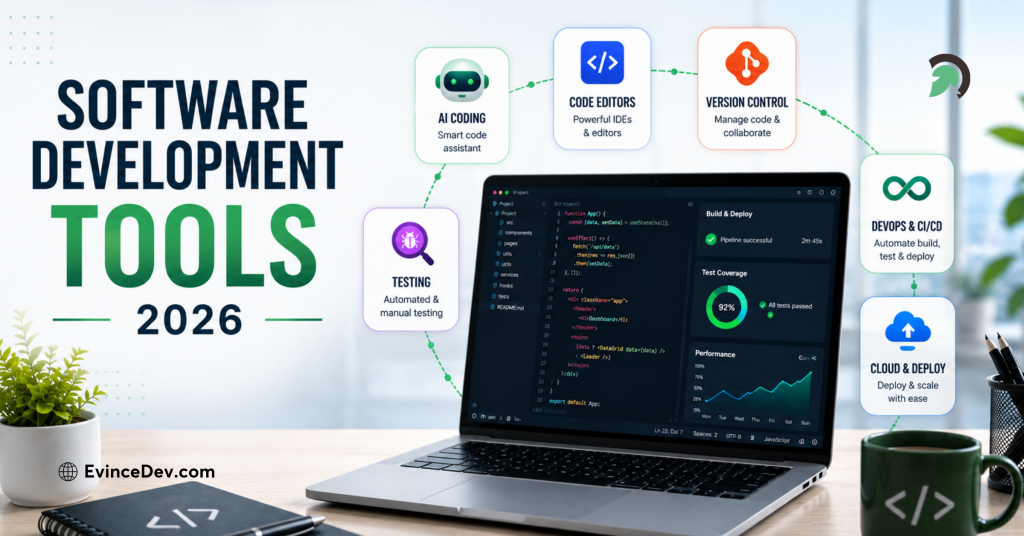
Building great software is no longer just about writing code. With faster release cycles, complex applications, and evolving technologies, developers need the right tools to plan, build, test, secure, and deploy software efficiently. In 2026, software development tools are becoming more intelligent, automated, and collaborative, helping teams improve productivity and deliver higher-quality applications.
This blog explores the top software development tools developers and teams are using in 2026, covering their key features, benefits, and use cases across coding, testing, DevOps, AI-assisted development, and collaboration. These tools play an important role in helping teams deliver reliable applications through modern custom software development services.
What are Software Development Tools
Software development tools are essential resources that help developers create, test, and maintain applications efficiently. These tools support every development lifecycle phase, from writing and reviewing code to deployment and ongoing maintenance. They streamline tasks like project management, debugging, and version control, making collaboration more accessible and organized. Additionally, these tools streamline the software development process by automating repetitive tasks, facilitating collaboration, enhancing code quality, and enabling faster delivery of software products. With the right tools, developers can improve productivity, maintain code consistency, and optimize project workflows.
The global software development tools market was USD 4,406 million in 2021 and is forecasted to grow to USD 17,247.91 million by 2031, reflecting a 14.5% CAGR throughout the forecast period.
Core Development Tools
1. Visual Studio Code (VS Code)
VS Code continues to be one of the most popular code editors among developers in 2026. It’s lightweight, fast, and highly customizable, making it a go-to tool for developers of various programming languages.
Visual Studio streamlines the software development lifecycle with its intuitive interface and robust tools, fostering collaboration and speeding up project workflows.
Key Features:
- Extensive library of extensions to support various languages and frameworks.
- Git integration for easy version control.
- Built-in terminal for quick command execution.
- Debugging tools that allow for breakpoints, variable inspection, and stack tracing.
- IntelliSense for smart code completions and error checking.
Why Use VS Code in 2026?
VS Code remains a staple due to its ability to scale with the user’s needs. Whether you’re developing web applications and mobile apps or working with machine learning, the flexibility and rich plugin ecosystem make VS Code a powerful tool in any developer’s toolkit.
Visual Studio Code Development Tool
Pros:
- Extensibility: A vast library of extensions allows customization to suit any language or framework.
- Lightweight: VS Code runs smoothly, even on less powerful machines.
- Git Integration: Version control is built-in, making it easy to track changes.
- IntelliSense: Provides smart code completions, making coding faster and reducing errors.
- Free and Open Source: Available for free with a large community contributing to plugins and updates.
Cons:
- Limited by Extensions: Some features, like deep debugging, depend heavily on third-party extensions and may not be as seamless as native tools.
- Performance Lag: When using many extensions, performance can slow down.
2. IntelliJ IDEA
IntelliJ IDEA, developed by JetBrains, is a highly intelligent IDE known for its advanced code completion and powerful tools for JVM-based languages like Java and Kotlin.
Key Features:
- Advanced refactoring and code navigation tools.
- Integrated support for Git and version control systems.
- Deep framework integration, especially for Spring and Hibernate.
Why Use IntelliJ IDEA in 2026?
With its advanced development features, IntelliJ IDEA enhances productivity, making it a top choice for JVM developers.
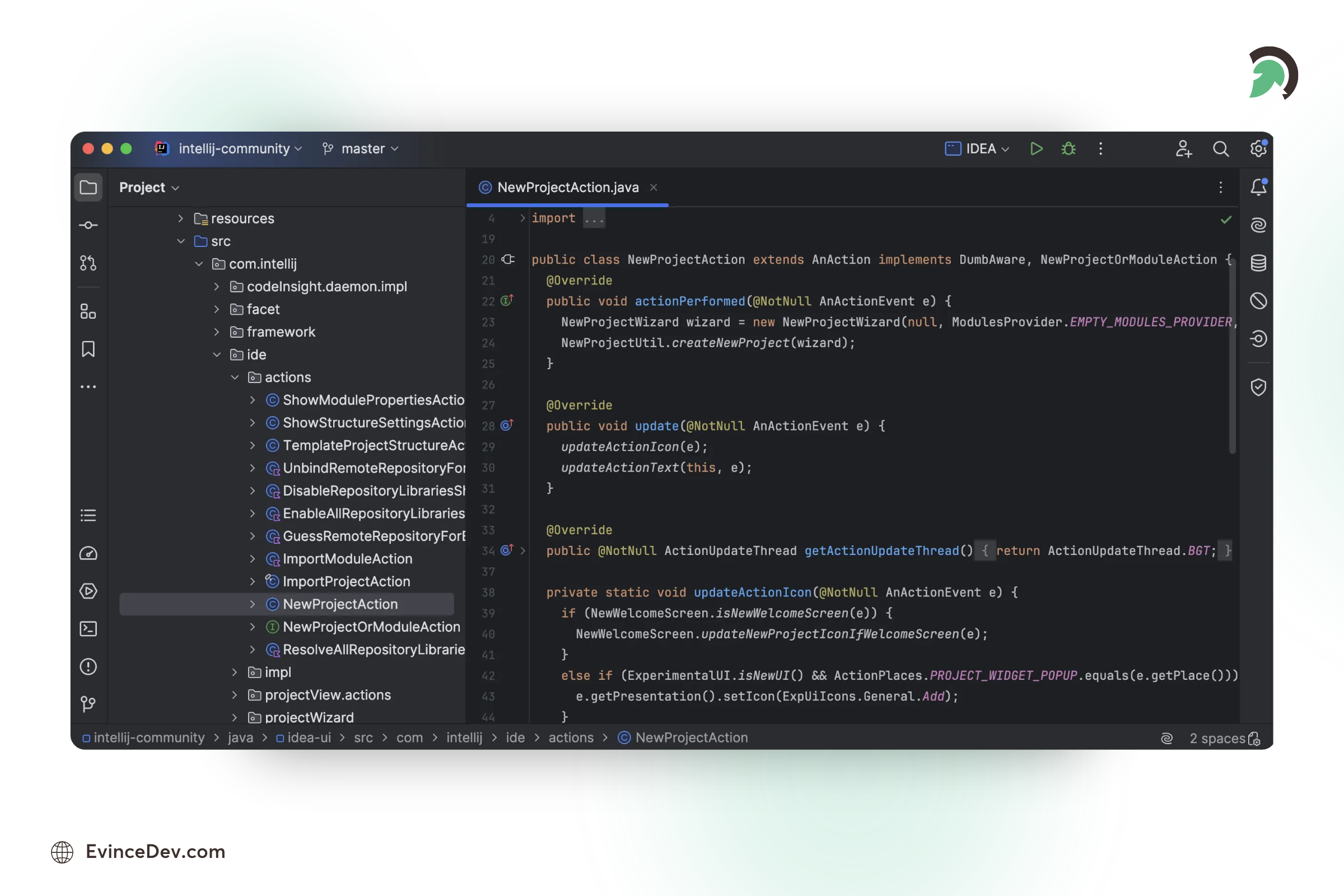
IntelliJ IDEA for Java Development
Pros:
- Superior code analysis and suggestions.
- Strong integration with modern frameworks.
- Frequent updates with new productivity features.
3. PyCharm
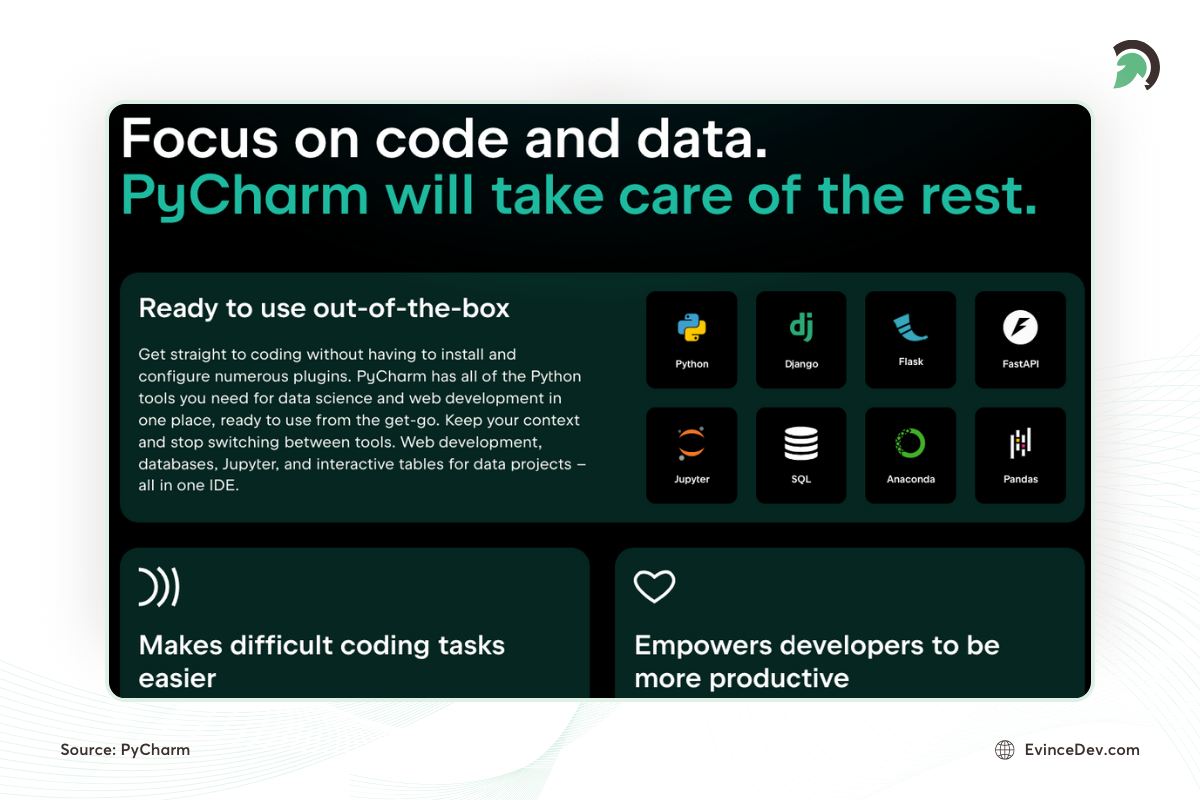
As the use of Python continues to rise, PyCharm remains one of the best Integrated Development Environments (IDEs) for Python development. Built by JetBrains, PyCharm is designed to boost productivity and make Python development easier.
Key Features:
- Intelligent code editor with code completion, error detection, and code refactoring.
- Support for web development frameworks such as Django and Flask.
- Integrated tools for testing, debugging, and version control.
- Built-in database tools for working with SQL and NoSQL databases.
Why Use PyCharm in 2026?
For Python developers, PyCharm offers a comprehensive set of tools that make development faster and more efficient. Its built-in support for web frameworks and databases makes it a powerful choice for backend and full-stack developers.
Pros:
Intelligent Code Assistance: Offers smart code suggestions, refactoring, and error detection, enhancing coding efficiency.
Full-Stack Support: Built-in tools for web development (Django, Flask), databases, and data science, making it versatile for Python developers.
Debugging and Testing: Powerful tools for debugging and running unit tests directly within the IDE.
Version Control Integration: Easy integration with Git, Mercurial, and other version control systems.
Cons:
Heavy Resource Usage: PyCharm can be slow and resource-intensive, especially on less powerful machines.
Cost for Professional Version: While the community version is free, advanced features in the professional version come at a cost.
4. Eclipse
Eclipse is an open-source Integrated Development Environment (IDE) widely used for Java development, though it supports multiple programming languages through plugins.
Key Features:
- Supports multiple languages like Java, C++, and Python via plugins.
- Extensive plugin ecosystem for added customization.
- Integrated debugging and testing tools.
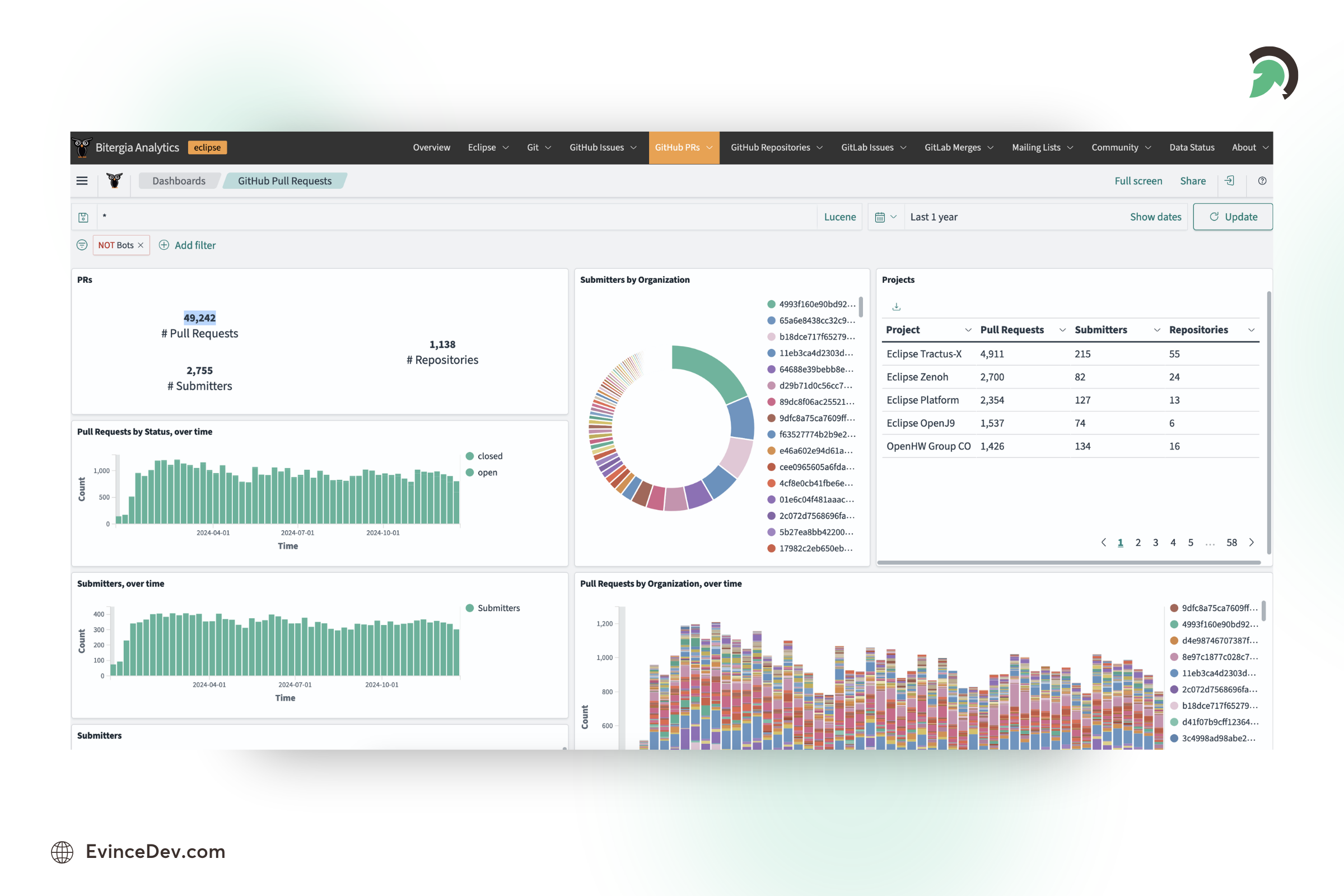
Eclipse Open-Source Development IDE
Why Use Eclipse in 2026?
Eclipse is an excellent choice for developers who need a versatile and customizable IDE with robust debugging tools.
Pros:
- Free and open-source with a large community for support.
- Highly extensible with a vast plugin marketplace.
- Integrated support for version control systems like Git.
5. Sublime Text
Sublime Text is a fast and lightweight code editor preferred for its performance and ease of use. It handles large files efficiently, making it a favorite for many developers.
Key Features:
- Fast and responsive, even with large codebases.
- Cross-platform support for Windows, macOS, and Linux.
- Customizable with a vast range of plugins.
Why Use Sublime Text in 2026?
Sublime Text is an ideal choice for developers who value speed and simplicity in their code editor.
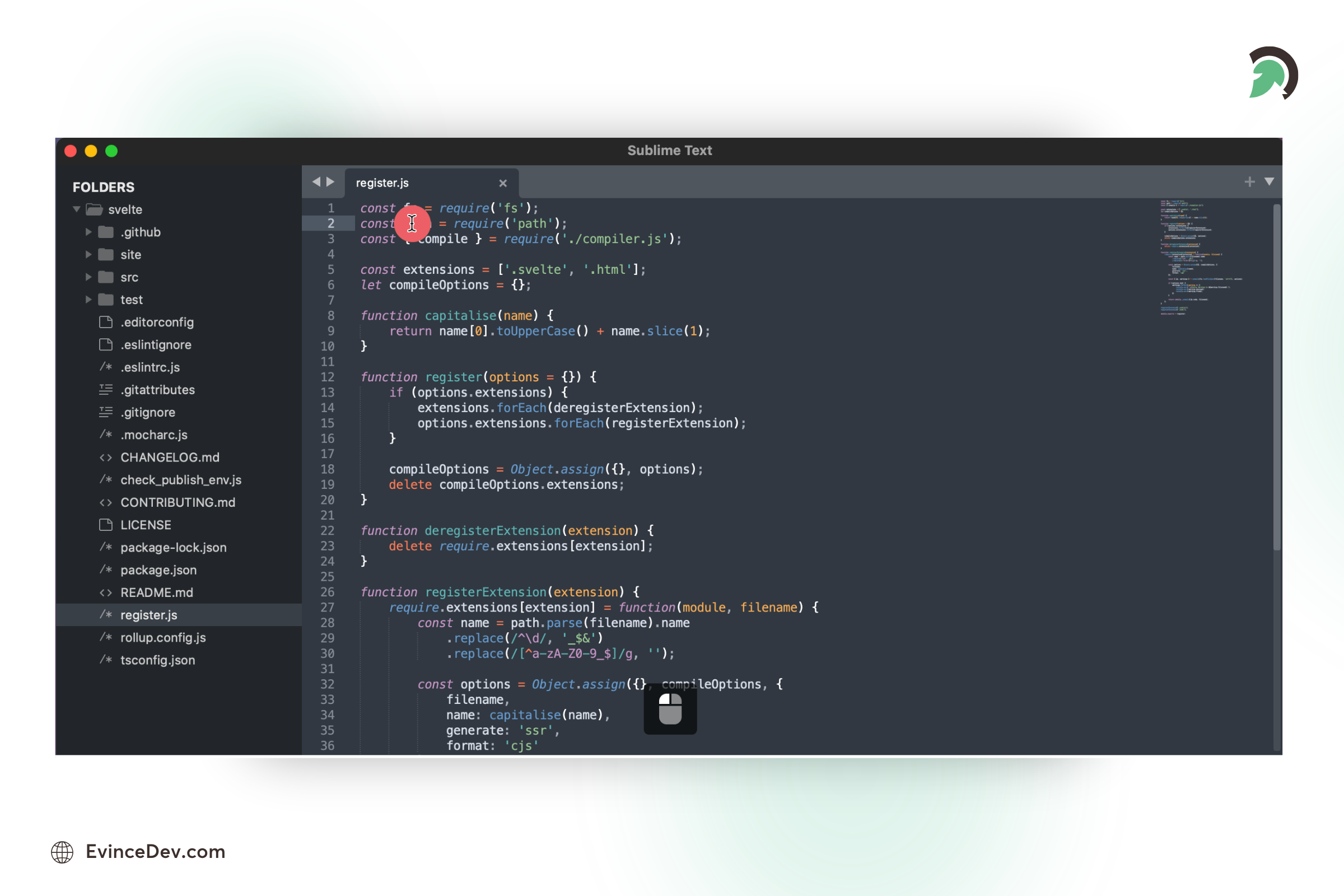
Sublime Text Code Editor
Pros:
- Extremely fast and lightweight.
- Highly customizable with plugin support.
- Supports multiple languages and file formats.
Version Control and Collaboration
6. GitHub Copilot
GitHub Copilot is one of the leading AI software development tools that helps developers write code faster and improve productivity. Copilot uses OpenAI’s Codex model to provide context-aware code suggestions, helping developers write code faster and with fewer errors.
Key Features:
- Real-time code suggestions based on the current coding context.
- Ability to generate boilerplate code, unit tests, and documentation.
- Language support for a wide range of programming languages, including Python, JavaScript, TypeScript, and more.
- Integration with popular IDEs like VS Code.
Why Use GitHub Copilot in 2026?
GitHub Copilot helps to reduce coding errors, enhances productivity, and is especially useful for tasks like automating repetitive coding patterns or getting started on new languages or frameworks. As AI becomes more integrated into development processes, tools like Copilot are set to become a must-have.
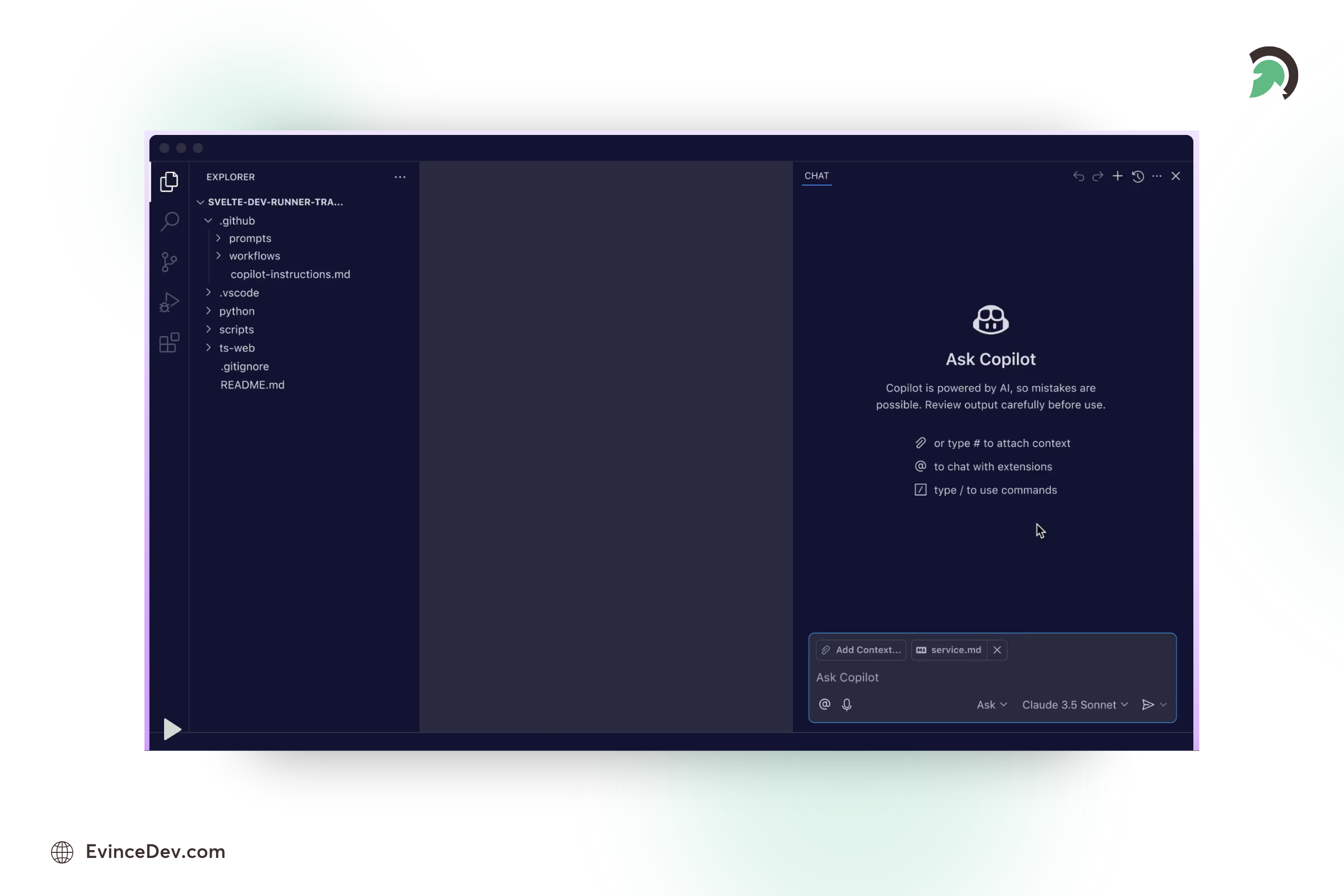
GitHub Copilot AI Coding Assistant
Pros:
Increased Productivity: Provides real-time code suggestions, reducing development time.
Supports Multiple Languages: Works with a wide variety of programming languages and frameworks.
Improves Coding Quality: Helps reduce bugs and errors by suggesting syntactically correct code.
Automation of Repetitive Tasks: It can generate boilerplate code and automate common patterns, making coding easier.
Cons:
Limited Creativity: It can rely on AI-generated suggestions, reducing manual problem-solving skills.
Privacy Concerns: AI learns from vast datasets, raising concerns about code privacy and intellectual property.
Not Always Correct: Suggestions can sometimes be off-target or incorrect, especially for complex or niche use cases.
7. Cursor
Cursor is an AI-powered code editor that helps developers write, understand, and improve code faster. It provides AI-assisted coding capabilities directly within the development environment.
Key Features:
- AI code generation and suggestions.
- Code explanation and debugging assistance.
- Natural language-based coding support.
- Context-aware project understanding.
Why Use Cursor in 2026?
AI-assisted development is becoming an important part of modern software engineering, and Cursor helps developers improve productivity by reducing repetitive coding tasks.
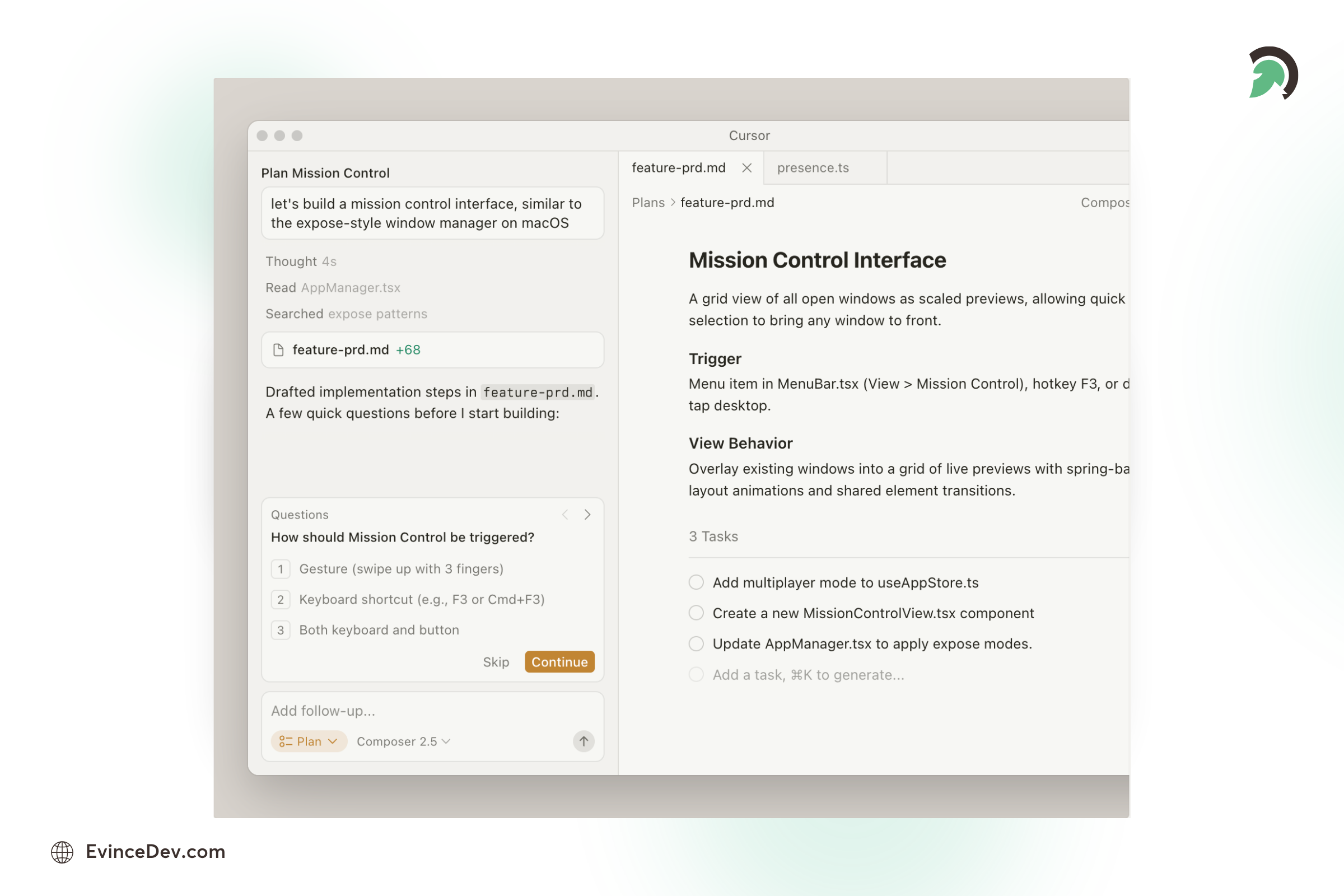
Cursor AI Code Editor
Pros:
AI-Powered Assistance: Helps generate and improve code faster.
Developer-Friendly Interface: Similar experience to modern code editors.
Productivity Improvements: Reduces time spent on repetitive tasks.
Cons:
AI Accuracy Limitations: Generated code may require review.
Subscription Costs: Advanced features may require paid plans.
8. Windsurf
Windsurf is an AI-powered development environment designed to help developers build software using intelligent coding assistance. It supports AI-driven workflows, code generation, and project-level understanding.
Key Features:
- AI-assisted coding workflows.
- Code generation and improvement suggestions.
- Context-aware development assistance.
- Support for modern software projects.
Why Use Windsurf in 2026?
As AI becomes more integrated into software development, Windsurf helps teams accelerate coding tasks and improve developer productivity.
Pros:
AI Workflow Support: Helps automate repetitive development tasks.
Context Awareness: Understands project-level code structure.
Modern Development Experience: Designed for AI-first workflows.
Cons:
Newer Platform: Smaller ecosystem compared to established tools.
AI Dependency: Requires developer review for generated outputs.
9. GitHub
GitHub is a widely used platform for hosting source code, managing repositories, and enabling collaboration among development teams. As one of the most popular software development collaboration tools, it helps developers track changes, review code, manage issues, and coordinate workflows efficiently.
Key Features:
- Git-based source code management and repository hosting.
- Pull requests and code review workflows.
- Issue tracking and project management tools.
- Integration with CI/CD, cloud platforms, and developer tools.
Why Use GitHub in 2026?
GitHub remains a core platform for modern software development due to its strong collaboration features, large developer ecosystem, and integration with AI-powered development tools like GitHub Copilot.
Pros:
Industry Adoption: Used widely by developers, startups, enterprises, and open-source communities.
Strong Collaboration: Simplifies code reviews, team workflows, and project management.
Large Ecosystem: Offers extensive integrations and developer resources.
Cons:
Learning Curve: Beginners may need time to understand Git workflows.
Repository Management Complexity: Large teams require proper permission and workflow management.
10. GitLab
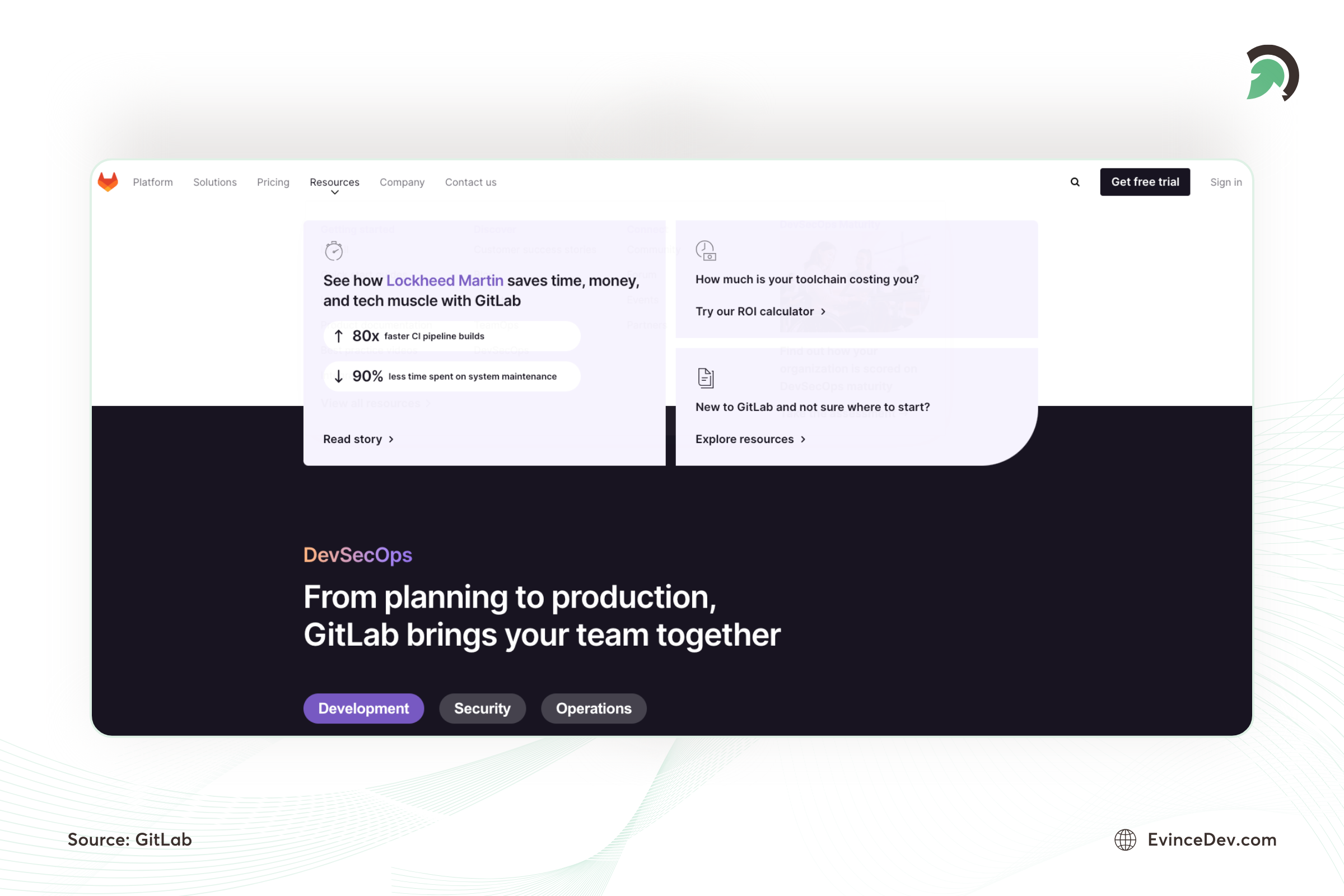
In 2026, GitLab solidified its position as a powerful DevOps platform. It combines source control, CI/CD, and project management into one cohesive tool. It helps teams collaborate efficiently on code, automate testing, and manage deployments seamlessly.
Key Features:
- Complete DevOps lifecycle management from source code to deployment.
- Integrated CI/CD pipelines to automate testing and deployment.
- Advanced security scanning features for identifying vulnerabilities early.
- Comprehensive project management tools including milestones, boards, and issue tracking.
Why Use GitLab in 2026?
GitLab’s all-in-one platform makes it a great choice for teams looking to streamline their DevOps workflows. It supports everything from code review and version control to continuous integration and security, making it a comprehensive solution for software development teams.
Pros:
All-in-One Platform: Combines source control, CI/CD, and DevOps features in one tool, reducing the need for multiple platforms.
Continuous Integration/Deployment: Automates testing and deployment, saving time and reducing errors.
Security Features: Built-in security tools scan for vulnerabilities early in the development process.
Scalability: Scales easily for teams of any size, making it suitable for startups and enterprises alike.
Cons:
Performance: GitLab instances may slow down with larger repositories and many users.
Cost: Advanced features are only available in the premium versions, which can be expensive for smaller teams.
11. Bitbucket
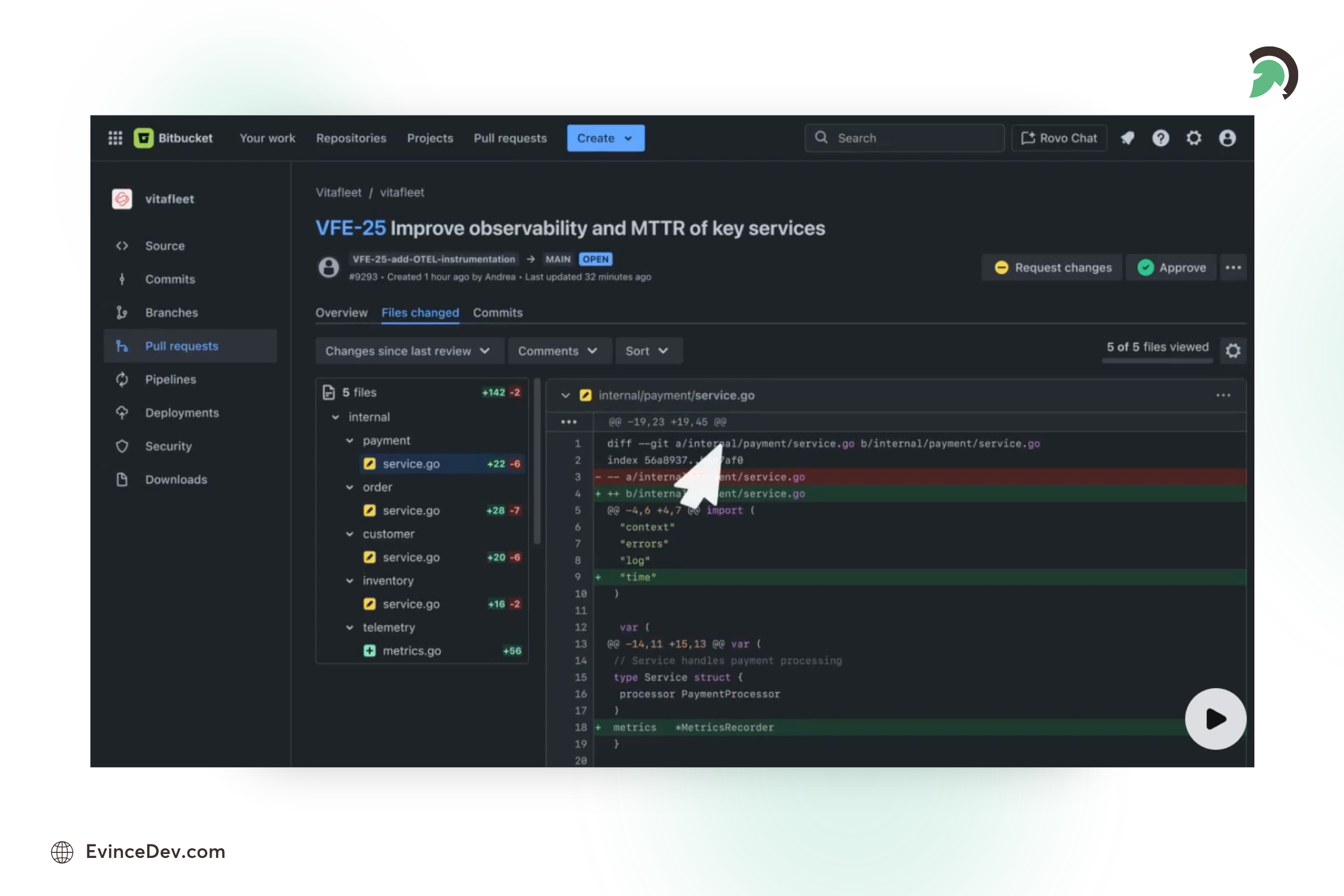
Bitbucket is a Git-based source code management and collaboration platform developed by Atlassian. It helps development teams host repositories, manage code changes, review pull requests, and integrate software delivery workflows with tools like Jira and other Atlassian products.
Key Features:
- Git repository hosting and source code management.
- Pull requests and code review workflows.
- Integration with Jira and Atlassian development tools.
- Built-in CI/CD capabilities through Bitbucket Pipelines.
- Access control and security features for enterprise teams.
Why Use Bitbucket in 2026?
Bitbucket remains a valuable choice for organizations already using Atlassian tools. Its strong integration with Jira and enterprise-focused collaboration features make it suitable for teams managing complex software development workflows.
Pros:
Strong Atlassian Integration: Works seamlessly with Jira, Confluence, and other Atlassian tools.
Enterprise Collaboration: Provides strong access controls and team management features.
Built-in CI/CD: Bitbucket Pipelines helps automate development workflows.
Secure Repository Management: Supports enterprise security requirements.
Bitbucket Source Code Platform
Cons:
Smaller Community Than GitHub: It has fewer open-source projects and community resources.
Limited Ecosystem: Compared to GitHub, it offers fewer third-party integrations.
Atlassian Dependency: Teams outside the Atlassian ecosystem may not get maximum value.
Build and Testing
12. Docker
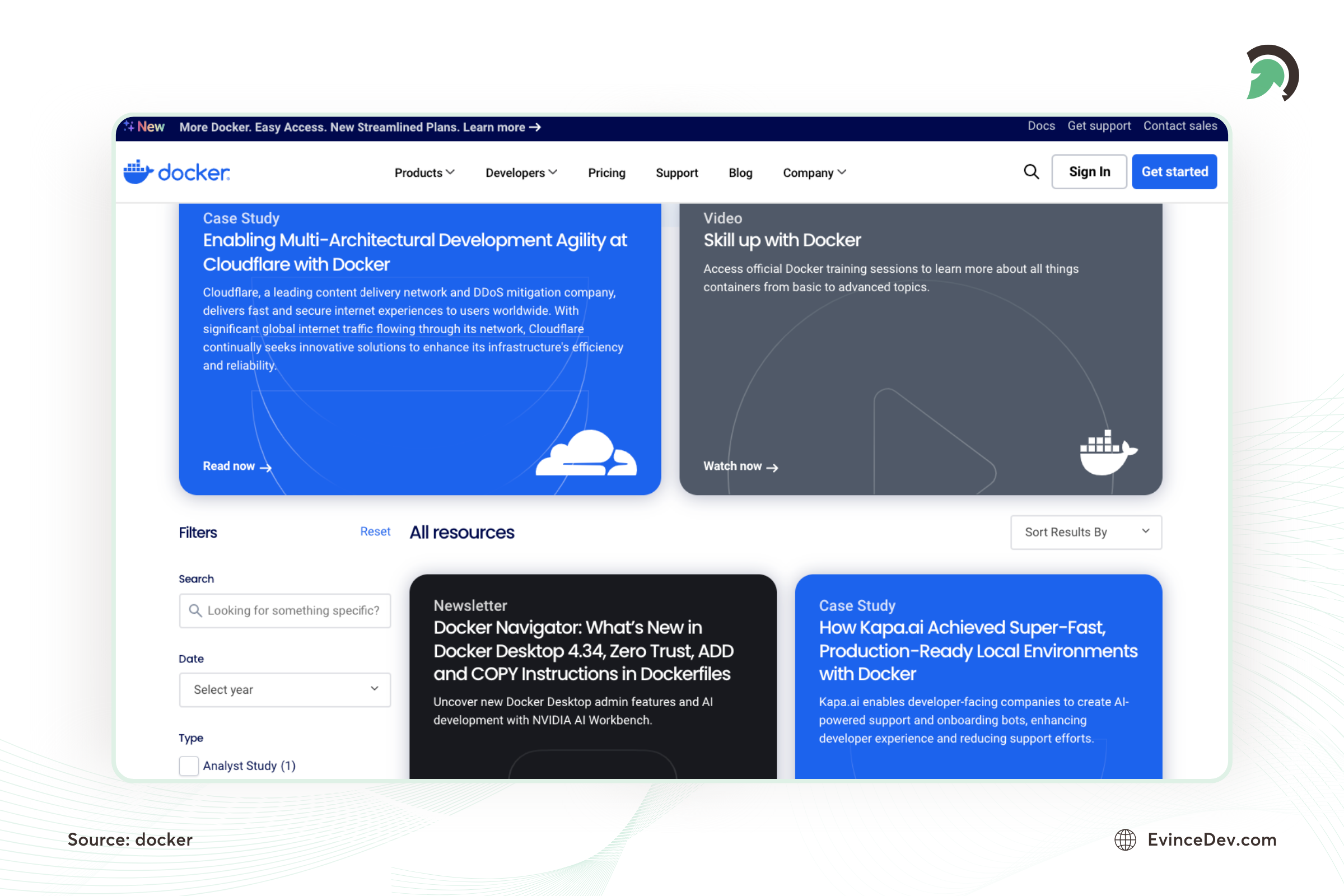
In 2026, containerization will remain a critical part of modern software development, and Docker will continue to lead the charge. Docker enables developers to package applications and their dependencies into isolated containers, ensuring consistent behavior across different environments.
Key Features:
- Create, deploy, and run applications in containers.
- Portability across environments, ensuring that applications run the same regardless of where they’re deployed.
- Integration with CI/CD pipelines for streamlined testing and deployment.
- Docker Compose for managing multi-container applications.
Why Use Docker in 2026?
Docker is essential for creating scalable, reliable, and portable applications. Whether you’re working in development, testing, or production, Docker helps to reduce the “it works on my machine” problem and simplifies the deployment process.
Pros:
Portability: Ensures applications behave the same across different environments, eliminating “works on my machine” problems.
Consistency: Helps create uniform environments for development, testing, and production.
Scalability: It makes scaling applications easy by running them in isolated containers.
Integration with DevOps Pipelines: Streamlines testing and deployment processes with CI/CD integration.
Cons:
Steep Learning Curve: Docker can be complex for beginners, especially with multi-container applications.
Performance Overhead: Containers can introduce performance overhead compared to running applications natively.
Security Concerns: Incorrect configuration can lead to vulnerabilities within the containers.
13. Kubernetes
In 2026, Kubernetes continues to dominate the container orchestration space, making it essential for teams that need to manage containerized applications at scale. Kubernetes automates the deployment, scaling, and management of containerized applications.
Key Features:
- Automated scaling and self-healing of containerized applications.
- Service discovery and load balancing for containers.
- Automated rollouts and rollbacks of applications.
- Secret and configuration management.
Why Use Kubernetes in 2026?
For teams managing microservices architectures and large-scale applications, Kubernetes simplifies the process of deploying and managing containerized applications across multiple environments. Its ability to scale, self-heal, and automate tasks makes it a key tool for modern DevOps workflows.
Pros:
Automated Scaling: Dynamically scales applications based on traffic, improving resource management.
Self-Healing: Automatically restarts failed containers and replaces them, ensuring high availability.
Efficient Orchestration: Manages containerized applications across multiple environments, improving deployment consistency.
Open Source: Large community support and frequent updates keep Kubernetes at the forefront of container orchestration.
Cons:
Steep Learning Curve: Kubernetes is complex and can take time to master, especially for teams new to container orchestration.
Resource-Intensive: Running Kubernetes clusters requires significant resources, which may not be ideal for small teams or projects.
Overhead for Simple Apps: Kubernetes might be overkill for small applications compared to simpler solutions like Docker Compose.
14. Terraform
Terraform is an Infrastructure as Code (IaC) tool that helps developers automate cloud infrastructure management. Unlike other software development tools, it allows teams to define, deploy, and manage infrastructure using configuration files, improving consistency and scalability.
Key Features:
- Infrastructure automation using code.
- Supports AWS, Azure, Google Cloud, and other platforms.
- Enables repeatable infrastructure deployments.
- Helps manage cloud resources efficiently.
Why Use Terraform in 2026?
As businesses adopt cloud-native development, Terraform helps teams manage complex infrastructure environments with greater speed and reliability.
Pros:
Cloud Agnostic: Works across multiple cloud providers.
Automation Benefits: Reduces manual infrastructure management.
Scalable: Suitable for both startups and enterprises.
Cons:
Learning Curve: Requires knowledge of infrastructure concepts.
Configuration Management: Large environments can become complex.
15. Apache Maven
Apache Maven is a powerful build automation tool that simplifies project builds and dependency management, primarily for Java projects.
Key Features:
- Manages project dependencies effectively.
- Automates builds for Java projects.
- Wide plugin support for extended functionality.
Why Use Apache Maven in 2026?
Maven is essential for handling large-scale Java projects and ensuring smooth builds with minimal configuration.
Pros:
- Streamlines dependency management and builds.
- Strong support for project automation.
- Open-source and widely supported.
16. Gradle
Gradle is a modern build automation tool designed for Java, Kotlin, and Groovy projects, known for its speed and flexibility.
Key Features:
- Supports incremental builds to speed up processes.
- Compatible with Java, Kotlin, and other JVM languages.
- Plugin support for extending build capabilities.
Why Use Gradle in 2026?
Gradle’s fast builds and flexibility make it an excellent choice for developers working on JVM-based projects.
Pros:
- Faster builds with incremental compilation.
- Flexible and customizable with plugins.
- Supports multiple languages and platforms.

17. JUnit (Java)
JUnit is a widely-used testing framework for Java that simplifies the process of writing and running tests.
Key Features:
- Simple API for writing unit tests.
- Integration with popular IDEs and build tools like Maven.
- Supports automated testing for Java applications.
Why Use JUnit in 2026?
JUnit is essential for ensuring code quality and reliability in Java applications.
Pros:
- Easy to write and run unit tests.
- Well-integrated with Java development tools.
- Open-source with a large community.
18. Selenium
Selenium is an open-source automation testing framework used for testing web applications across different browsers and operating systems. It helps QA teams automate repetitive testing tasks and improve application quality.
Key Features:
- Cross-browser web application testing.
- Supports multiple programming languages.
- Automates functional and regression testing.
- Integrates with CI/CD pipelines.
Why Use Selenium in 2026?
Selenium remains a popular choice for teams looking for flexible and reliable browser automation testing solutions.
Pros:
Cross-Browser Support: Tests applications across multiple browsers.
Open Source: Free and supported by a large community.
Language Flexibility: Works with popular programming languages.
Cons:
Technical Setup: Requires programming knowledge.
Slower Execution: May require additional optimization for large test suites.
19. Playwright
Playwright is a modern end-to-end testing framework used for automating web application testing across Chromium, Firefox, and WebKit browsers. It helps developers validate application functionality and deliver more reliable software.
Key Features:
- Multi-browser automated testing.
- Supports parallel test execution.
- Built-in debugging and reporting features.
- Reliable testing for modern web applications.
Why Use Playwright in 2026?
With the growth of complex web applications, Playwright helps teams improve testing speed, reliability, and automation coverage.
Pros:
Modern Browser Support: Works across major browsers.
Fast Testing: Supports parallel execution.
Developer-Friendly: Requires less configuration.
Cons:
Smaller Ecosystem: Less mature compared to Selenium.
Web-Focused: Mainly designed for browser testing.
Project Management and Collaboration
20. Jira
Jira is one of the most widely used software development project management tools for Agile teams. Developed by Atlassian, Jira helps teams track issues, manage tasks, and improve collaboration across software development projects.
Key Features:
- Customizable workflows to match your team’s development process.
- Powerful reporting tools to track progress, sprints, and backlog.
- Integration with various development tools such as GitHub, Bitbucket, and Jenkins.
- Support for Scrum and Kanban methodologies.
Why Use Jira in 2026?
Jira’s comprehensive project management capabilities make it indispensable for agile development teams. It enhances transparency, allows for better planning, and ensures that tasks and issues are efficiently tracked throughout the development cycle.
Pros:
Customizable Workflows: Allows teams to adapt workflows according to their development process.
Comprehensive Project Management: Features like backlog management, sprint planning, and detailed reporting help teams stay on track.
Integration with Development Tools: Seamless integration with GitHub, Bitbucket, Jenkins, and other popular development tools.
Supports Agile Methodologies: Excellent support for Scrum and Kanban, making it ideal for agile teams.
Collaboration: Facilitates better team collaboration with clear issue tracking and assignment.
Cons:
Cost: Pricing can become expensive as teams grow, especially with added features.
Performance Issues: As projects become more complex, Jira can become slower and harder to navigate.
21. Asana
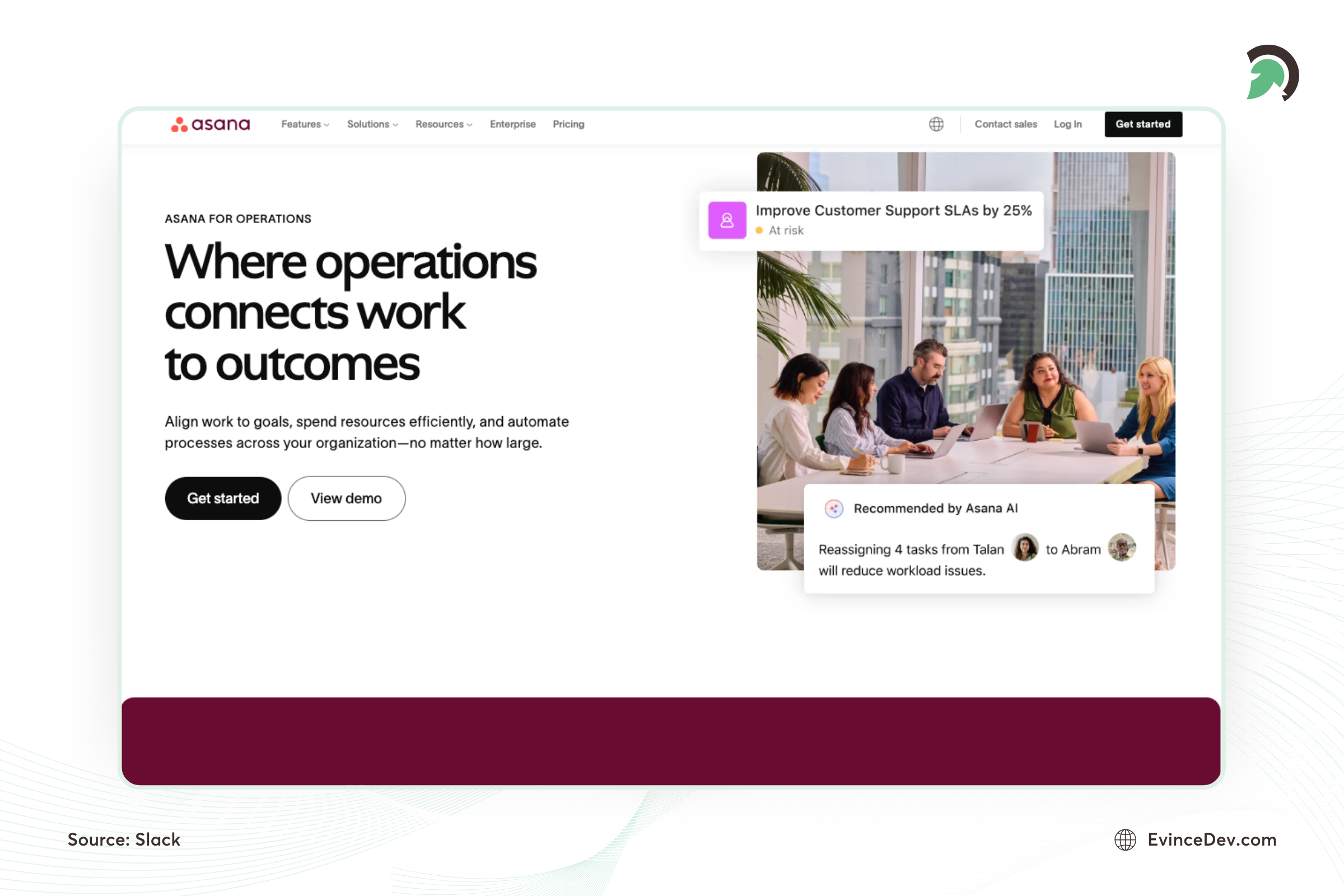
Asana is a collaborative project management tool designed to help teams organize, track, and manage their work.
Key Features:
- Task assignment and tracking.
- Integration with tools like Slack and Google Drive.
- Customizable project templates.
Why Use Asana in 2026?
Asana helps teams stay organized, ensuring efficient collaboration and task management across various projects.
Pros:
- Easy to use with a clean user interface.
- Strong integrations with other productivity tools.
- Scalable for teams of any size.
22. Tailwind CSS
Tailwind CSS is a utility-first CSS framework used for building modern, responsive user interfaces. It allows developers to create custom designs quickly using reusable utility classes.
Key Features:
- Utility-based styling approach.
- Responsive design support.
- Customizable design systems.
- Works well with React, Next.js, and modern frontend frameworks.
Why Use Tailwind CSS in 2026?
Tailwind CSS helps frontend teams build consistent and scalable user interfaces faster while reducing the need for extensive custom CSS.
Pros:
Faster Development: Speeds up UI creation.
Highly Customizable: Supports flexible design systems.
Modern Framework Support: Works well with popular frontend stacks.
Cons:
HTML Complexity: Large class names can reduce readability.
Learning Curve: Developers need time to understand utility classes.
Design and Prototyping
23. Figma
With design and collaboration becoming integral to the development process, Figma has become a go-to tool for UI/UX design in 2026. Figma is a cloud-based design tool that allows designers and developers to collaborate on creating interactive and responsive designs.
Key Features:
- Real-time collaboration for teams, making it easy for designers and developers to work together.
- Supports the creation of wireframes, prototypes, and high-fidelity designs.
- Version control and design history tracking.
- Extensive library of templates and design systems for quick prototyping.
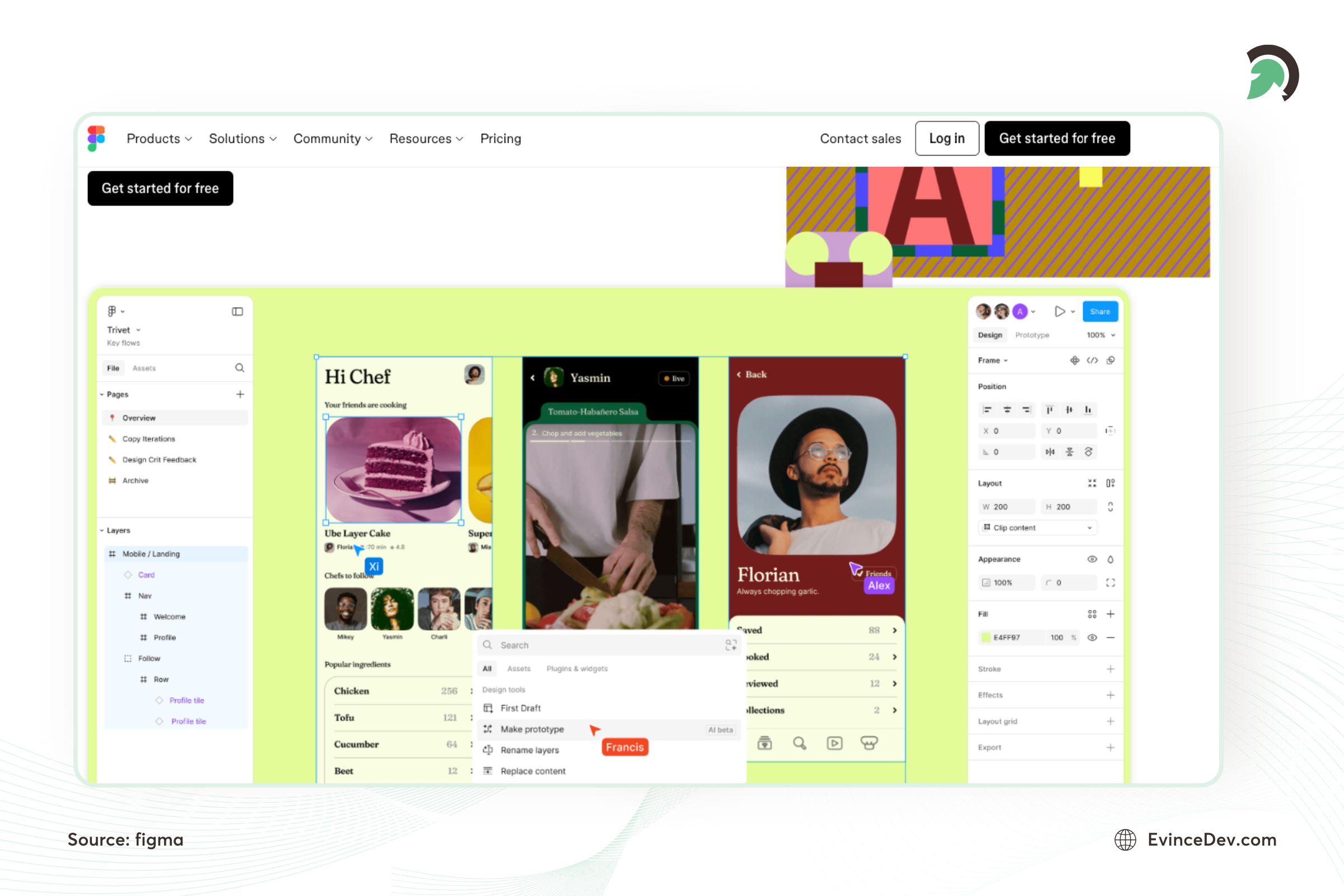
Why Use Figma in 2026?
Figma is a powerful tool for teams prioritizing design and development collaboration. Its cloud-based nature and robust feature set make it an essential tool for creating interactive and responsive designs that developers can easily translate into code.
Pros:
Real-Time Collaboration: Multiple team members can work simultaneously, making collaboration seamless.
Cloud-Based: No installation is required; designs are accessible from anywhere with an internet connection.
Design System Support: Allows teams to maintain a consistent design language with reusable components.
Prototyping Tools: Quickly turn designs into interactive prototypes, simplifying the handoff to developers.
Cross-Platform: Works across operating systems, making it accessible for designers and developers.
Cons:
Requires Internet: Limited functionality without an Internet connection can be a drawback in offline situations.
Performance Issues: Large files with many components can lead to performance lags.
Limited for Raster Editing: Figma is not ideal for tasks like detailed image editing, requiring additional tools like Photoshop.
DevOps and CI/CD
24. Jenkins
Jenkins is an open-source automation server that facilitates continuous integration and continuous delivery (CI/CD) for software projects. It supports building, deploying, and automating any project, helping teams streamline their workflows.
Key Features:
- Extensive Plugin Ecosystem: Offers a vast selection of plugins for customization and expansion.
- Distributed Builds: Supports running builds across multiple machines for better performance.
- Version Control Integration: Easily integrates with popular version control systems like GitHub and Bitbucket.
- Automated Testing and Deployment: Simplifies and accelerates testing and deployment processes.
Why Use Jenkins in 2026?
Due to its flexibility, large community support, and constant updates, Jenkins remains a powerful tool. As software development practices evolve, Jenkins offers the adaptability and automation required for modern CI/CD pipelines.
Pros:
- Customizable: Highly flexible with extensive plugin support.
- Community Support: A large user base that provides resources and solutions.
- Cost-effective: Free to use as an open-source tool.
Cons:
- Complex Setup: This can have a steeper learning curve for beginners.
- Maintenance Required: Managing plugins and updates can be time-consuming.
25. GitHub Actions
GitHub Actions is a CI/CD automation platform that helps developers automate workflows directly within GitHub repositories. Unlike other software development tools, it enables teams to build, test, and deploy applications automatically while improving software delivery speed and reliability.
Key Features:
- Automated build, testing, and deployment workflows.
- Event-based triggers for code changes and releases.
- Integration with cloud services and development tools.
- Reusable automation workflows.
Why Use GitHub Actions in 2026?
GitHub Actions helps development teams implement faster and more reliable delivery pipelines without managing separate CI/CD infrastructure.
Pros:
GitHub Integration: Works seamlessly with GitHub repositories.
Flexible Automation: Supports customized workflows for different projects.
Large Marketplace: Provides reusable community-built actions.
Cons:
Complex Pipelines: Advanced workflows can require DevOps expertise.
Usage Limits: Large teams may need paid plans for higher usage.
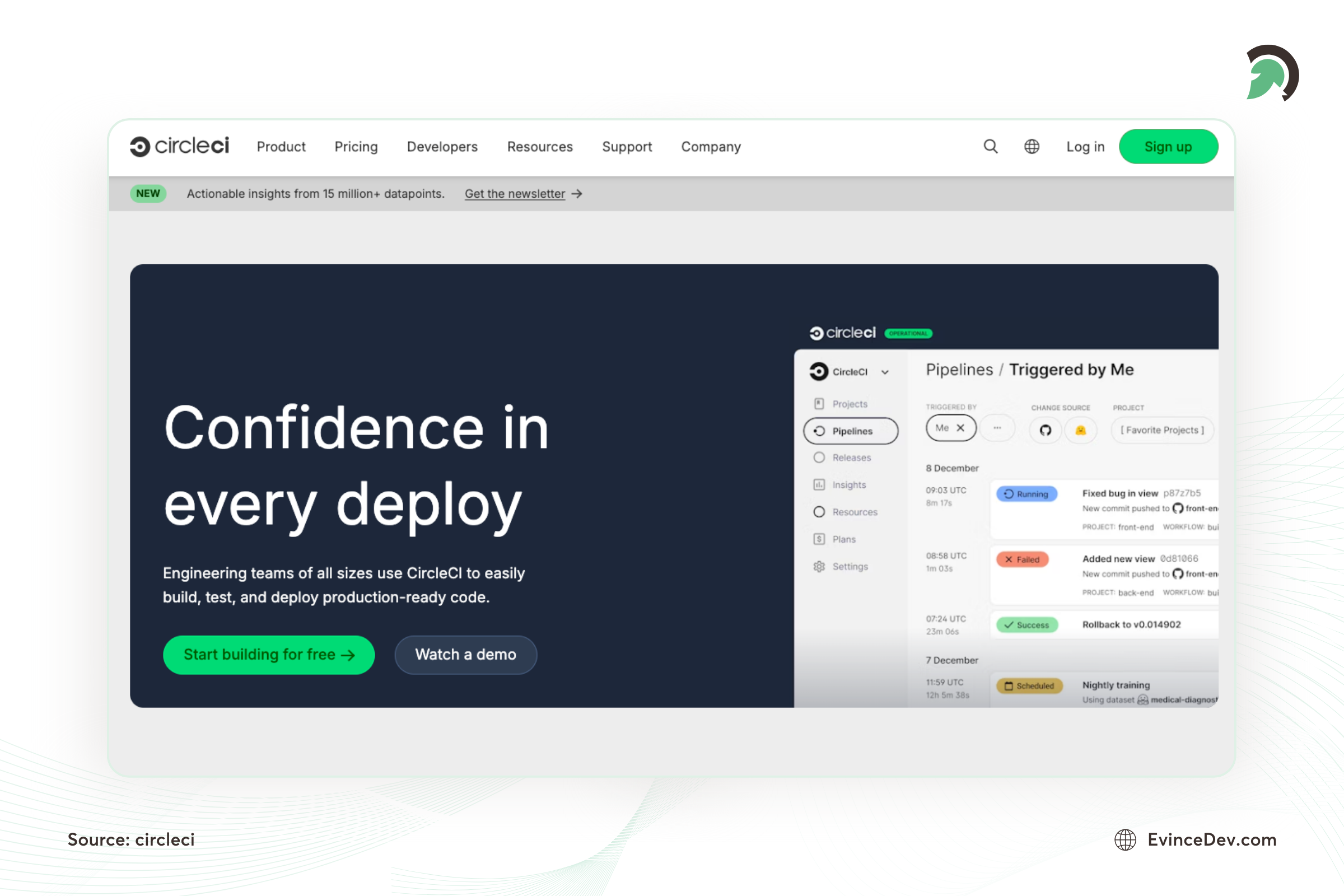
26. CircleCI
CircleCI is a cloud-based CI/CD platform designed for modern software development. It automates the process of building, testing, and deploying applications, offering scalability and speed for development teams.
Key Features:
- Cloud & Self-hosted Options: Flexibility to run builds either in the cloud or on private servers.
- User-friendly Interface: Fast setup with a clean, easy-to-navigate UI.
- Parallel Execution: Runs multiple jobs simultaneously for faster results.
- Integration Support: Works seamlessly with GitHub, Bitbucket, and other version control platforms.
Why Use CircleCI in 2026?
With its emphasis on speed, scalability, and ease of use, CircleCI continues to be a top choice for development teams in 2026. Its cloud-first approach ensures that it remains agile, offering innovative features and quick updates.
Pros:
- Quick Setup: Simple configuration and user-friendly.
- Optimized for Cloud: Ideal for cloud-based development teams.
- Scalable: Easily accommodates growing development teams and large-scale projects.
Cons:
- Free Plan Limitations: The free version offers limited features.
- Costs for Heavy Use: Cloud version can become expensive with extensive usage.
27. SonarQube
SonarQube is a code quality and security analysis platform that helps development teams identify bugs, vulnerabilities, and code quality issues during the software development lifecycle. It enables developers to improve code reliability, maintainability, and security by continuously analyzing source code.
Key Features:
- Automated code quality and security analysis.
- Detects bugs, vulnerabilities, and code duplication.
- Supports multiple programming languages.
- Integrates with CI/CD pipelines for continuous code inspection.
- Provides code quality reports and improvement recommendations.
Why Use SonarQube in 2026?
As software teams adopt DevSecOps practices, maintaining secure and high-quality code has become essential. SonarQube helps developers identify issues early, reduce technical debt, and improve software reliability before deployment.
Pros:
Improves Code Quality: Helps developers identify maintainability issues and improve coding standards.
Security Analysis: Detects vulnerabilities and security risks during development.
CI/CD Integration: Works well with modern development pipelines.
Multi-Language Support: Supports a wide range of programming languages.
Cons:
Requires Configuration: Initial setup and rule customization may require technical expertise.
Resource Intensive: Large projects may require significant system resources.
Learning Curve: Teams need time to understand reports and quality metrics
Security and Testing
28. OWASP ZAP
OWASP ZAP is an open-source security tool for testing web application vulnerabilities, making it a popular choice for penetration testers.
Key Features:
- Automated scanners for detecting vulnerabilities.
- Support for both manual and automated security testing.
- Detailed reports and logging of vulnerabilities.
Why Use OWASP ZAP in 2026?
OWASP ZAP remains one of the best free tools for ensuring web application security.
Pros:
- Open-source and widely supported.
- Powerful for both beginners and advanced users.
- Supports automated and manual testing.
29. SonarQube
SonarQube is a code quality and security analysis platform that helps development teams identify bugs, vulnerabilities, and code quality issues during the software development lifecycle. It enables developers to improve code reliability, maintainability, and security by continuously analyzing source code.
Key Features:
-
Automated code quality and security analysis.
-
Detects bugs, vulnerabilities, and code duplication.
-
Supports multiple programming languages.
-
Integrates with CI/CD pipelines for continuous code inspection.
-
Provides code quality reports and improvement recommendations.
Why Use SonarQube in 2026?
As software teams adopt DevSecOps practices, maintaining secure and high-quality code has become essential. SonarQube helps developers identify issues early, reduce technical debt, and improve software reliability before deployment.
Pros:
Improves Code Quality: Helps developers identify maintainability issues and improve coding standards.
Security Analysis: Detects vulnerabilities and security risks during development.
CI/CD Integration: Works well with modern development pipelines.
Multi-Language Support: Supports a wide range of programming languages.
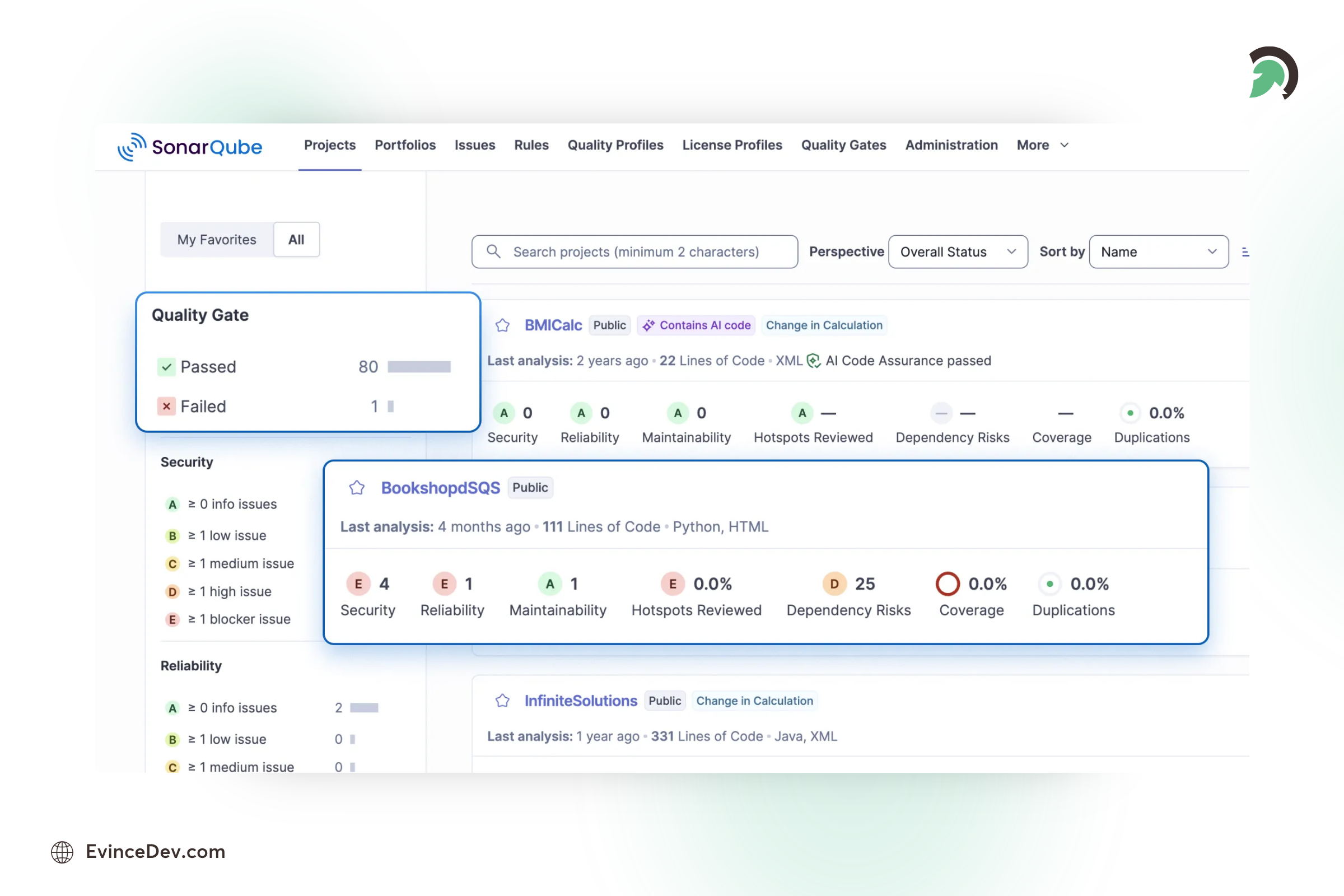
SonarQube Code Quality Platform
Cons:
Requires Configuration: Initial setup and rule customization may require technical expertise.
Resource Intensive: Large projects may require significant system resources.
Learning Curve: Teams need time to understand reports and quality metrics.
30. Nessus
Nessus is a powerful vulnerability scanning tool used to identify security weaknesses in IT infrastructures.
Key Features:
- Scans for over 50,000 vulnerabilities across various platforms.
- Generates detailed security reports and remediation steps.
- Real-time scanning and alerting for security risks.
Why Use Nessus in 2026?
Nessus continues to be a leading tool for identifying and fixing vulnerabilities in networks and systems.
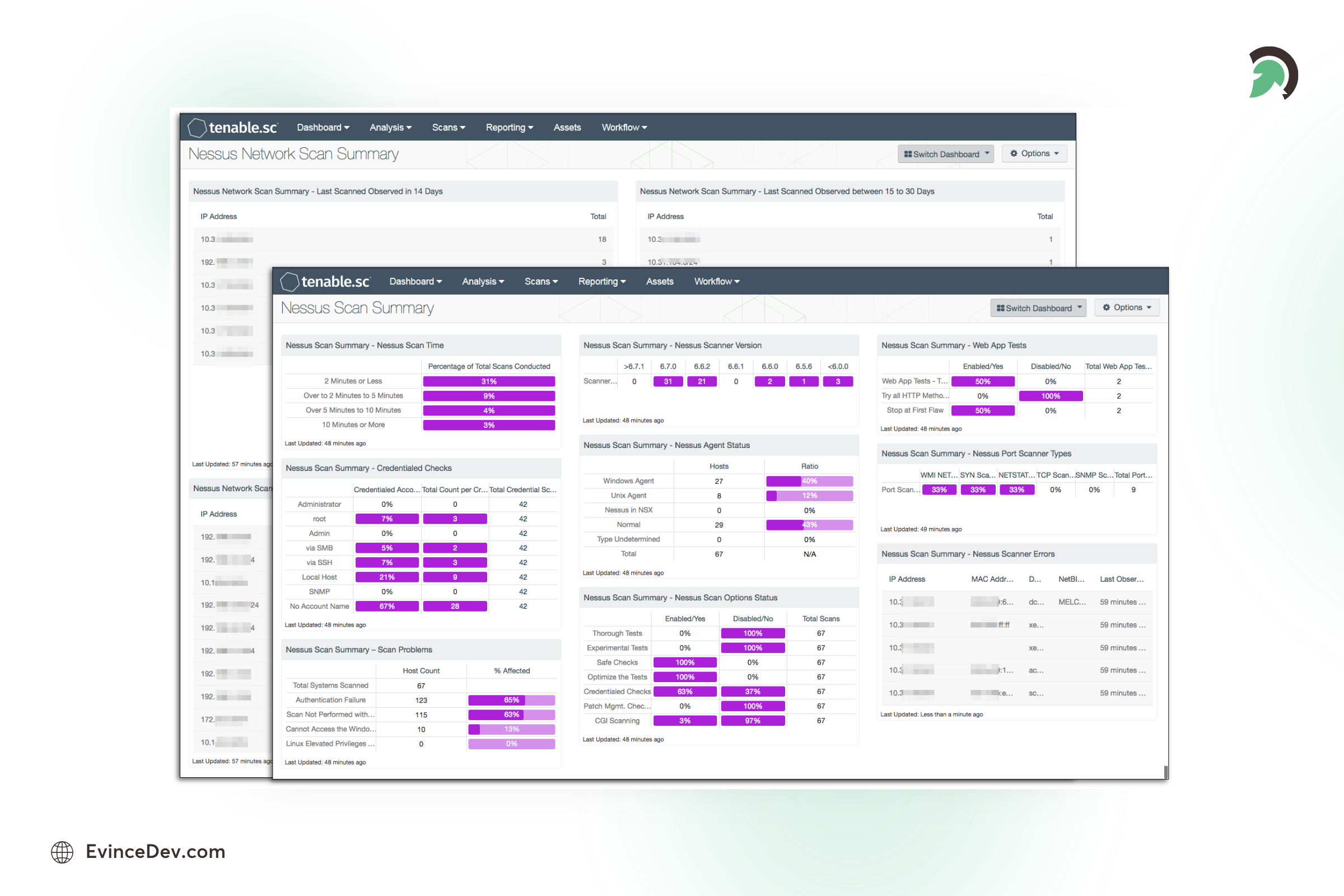
Nessus Vulnerability Scanner
Pros:
- Comprehensive scanning capabilities for IT security.
- Regular updates to cover new vulnerabilities.
- Detailed reports with actionable insights.
Some Important Additional Tools
31. Postman
Postman has evolved into a full-fledged API development environment and continues to be a favorite tool among developers working with APIs in 2026. It simplifies the process of building, testing, and documenting APIs, making it an essential tool for backend and full-stack developers.
Key Features:
- Tools for API development, including testing, debugging, and monitoring.
- Supports API automation, allowing for automated tests and pre-scheduled API calls.
- Collaboration features that allow teams to share API collections and environments.
- Integration with CI/CD tools to ensure API stability throughout the development lifecycle.
Why Use Postman in 2026?
As APIs are crucial in modern software development, Postman provides a user-friendly interface to streamline API development, testing, and team collaboration.
Pros:
User-Friendly Interface: Postman’s simple interface makes creating, testing, and debugging APIs easy.
Collaboration Features: Teams can share API collections and environments for smoother collaboration.
Automation Capabilities: Allows for automated API testing and monitoring, improving development efficiency.
It supports a Wide Range of APIs, including REST, GraphQL, and SOAP APIs, making it versatile.
Pre-built Collections: Provides pre-built collections for common APIs, saving time.
Cons:
Resource-Heavy: Can consume significant system resources, slowing down performance, especially with larger APIs.
Limited Free Tier: Some advanced collaboration and testing features are only available in the paid version.
Complex Setup for Advanced Features: While primary usage is easy, setting up advanced workflows or automation can be tricky.
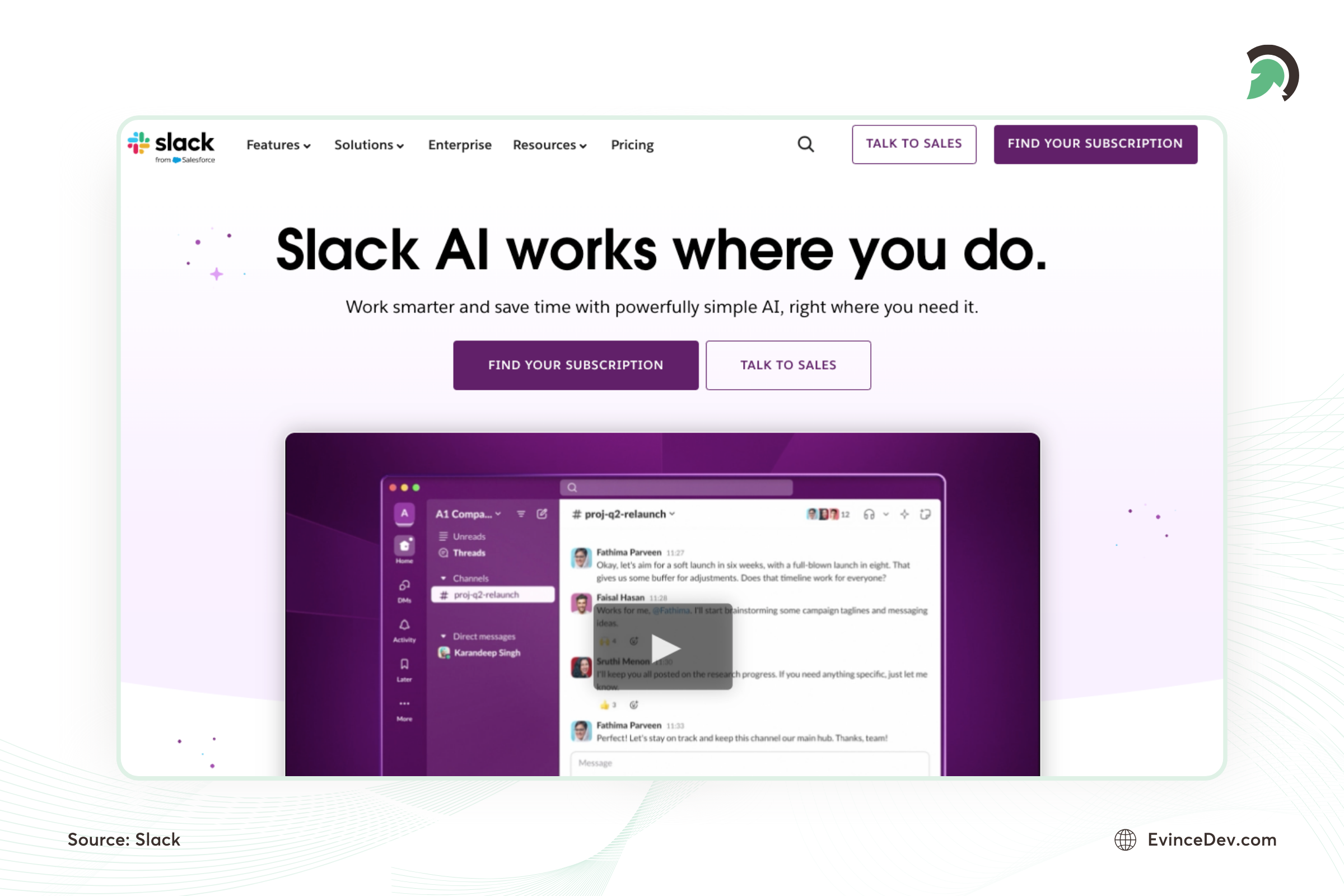
32. Slack
Collaboration remains critical in 2026, and Slack continues to lead as a communication platform for development teams. With its robust integrations and powerful features, Slack helps teams stay connected and manage projects efficiently.
Key Features:
- Real-time messaging, file sharing, and video calling.
- Integrations with GitHub, Jenkins, and other development tools.
- Customizable notifications to keep teams updated on project progress.
- Channels for organizing conversations by project or team.
Why Use Slack in 2026?
Slack’s ability to integrate with popular development tools and its communication features make it essential to ensure that teams stay connected and on the same page. It benefits remote and distributed teams, which are increasingly common in 2026.
Pros:
Real-Time Communication: Instant messaging, video calls, and file sharing help teams stay connected.
Integration with Development Tools: Supports integrations with tools like GitHub, Jenkins, Jira, and more, streamlining development workflows.
Organized Channels: Teams can set up different channels for different projects, improving organization.
Searchable Archives: Easily search through past messages and files, which is especially useful for ongoing projects.
Cons:
Expensive for Large Teams: The free version limits searchable history and integrations, and the paid versions can be costly for larger teams.
Lack of Advanced Project Management Features: While great for communication, Slack doesn’t offer built-in project management tools, requiring integrations with other software.
33. Supabase
Supabase is an open-source backend platform that provides essential backend services such as databases, authentication, storage, and APIs. It helps developers build modern web and mobile applications faster by offering ready-to-use backend infrastructure while maintaining flexibility through PostgreSQL.
Key Features:
- PostgreSQL-based database management.
- Built-in authentication and user management.
- APIs, storage, and real-time application capabilities.
- Developer-friendly tools for rapid application development.
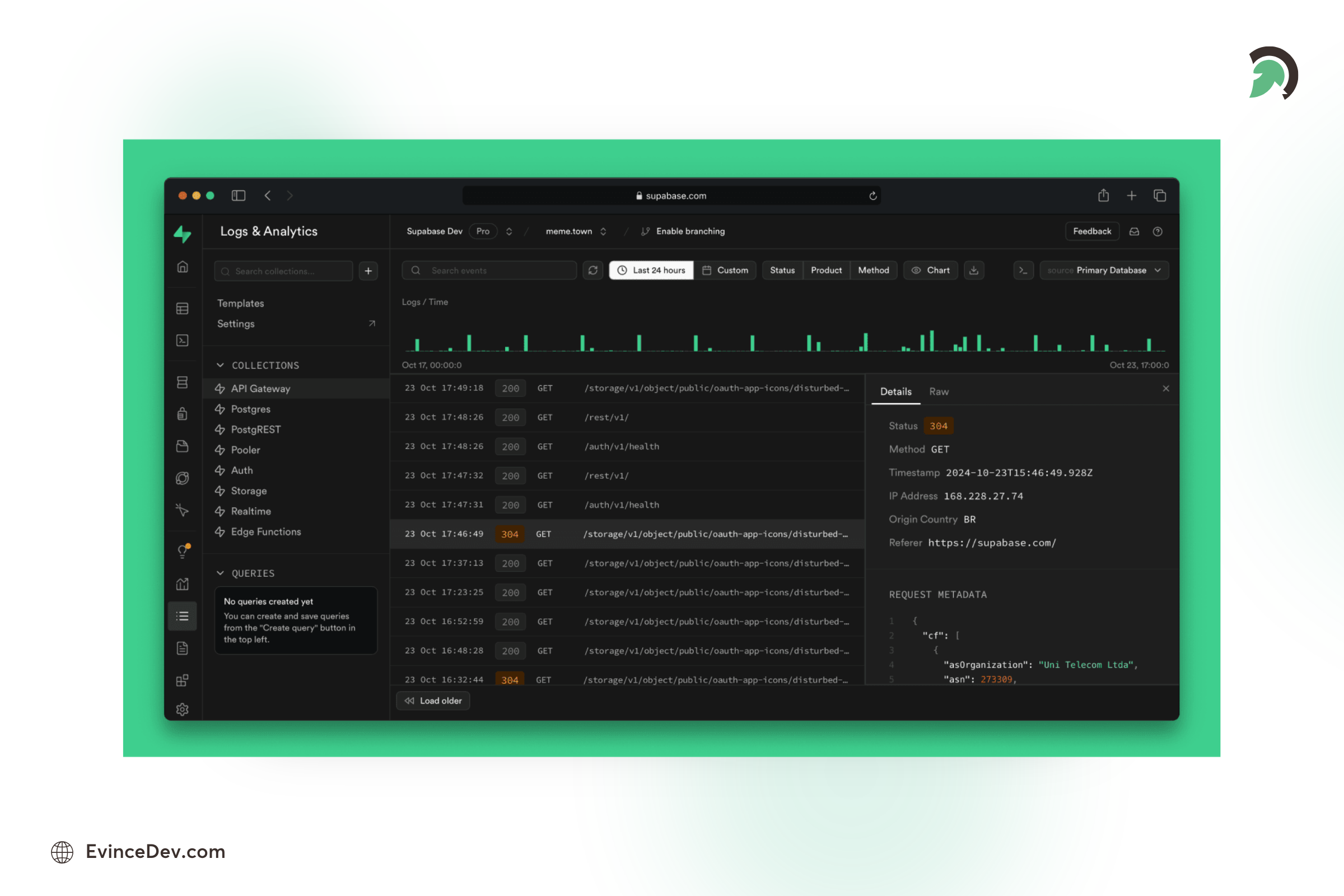
Supabase Backend Platform
Why Use Supabase in 2026?
Supabase helps development teams accelerate application development by reducing backend setup time and providing scalable backend services for modern applications.
Pros:
Faster Development: Provides ready-to-use backend features, reducing development effort.
Open Source Flexibility: Gives teams more control compared to closed backend platforms.
Developer Friendly: Simple setup with modern APIs and database tools.
Cons:
Scaling Complexity: Large enterprise applications may require additional architecture planning.
Migration Considerations: Moving away from managed services can require extra effort.
34. Firebase
Firebase is a backend development platform from Google that provides developers with tools to build and scale web and mobile applications quickly. It offers services such as authentication, real-time databases, cloud storage, analytics, and application monitoring, making it popular among startups and mobile development teams.
Key Features:
- Real-time database and cloud storage capabilities.
- User authentication and identity management.
- Push notifications through Firebase Cloud Messaging.
- Application analytics and performance monitoring.
- Integration with Android, iOS, and web applications.
Why Use Firebase in 2026?
Firebase helps development teams accelerate application development by providing ready-to-use backend services and reducing the time required to build backend infrastructure. It remains widely used for mobile apps, prototypes, and scalable web applications.
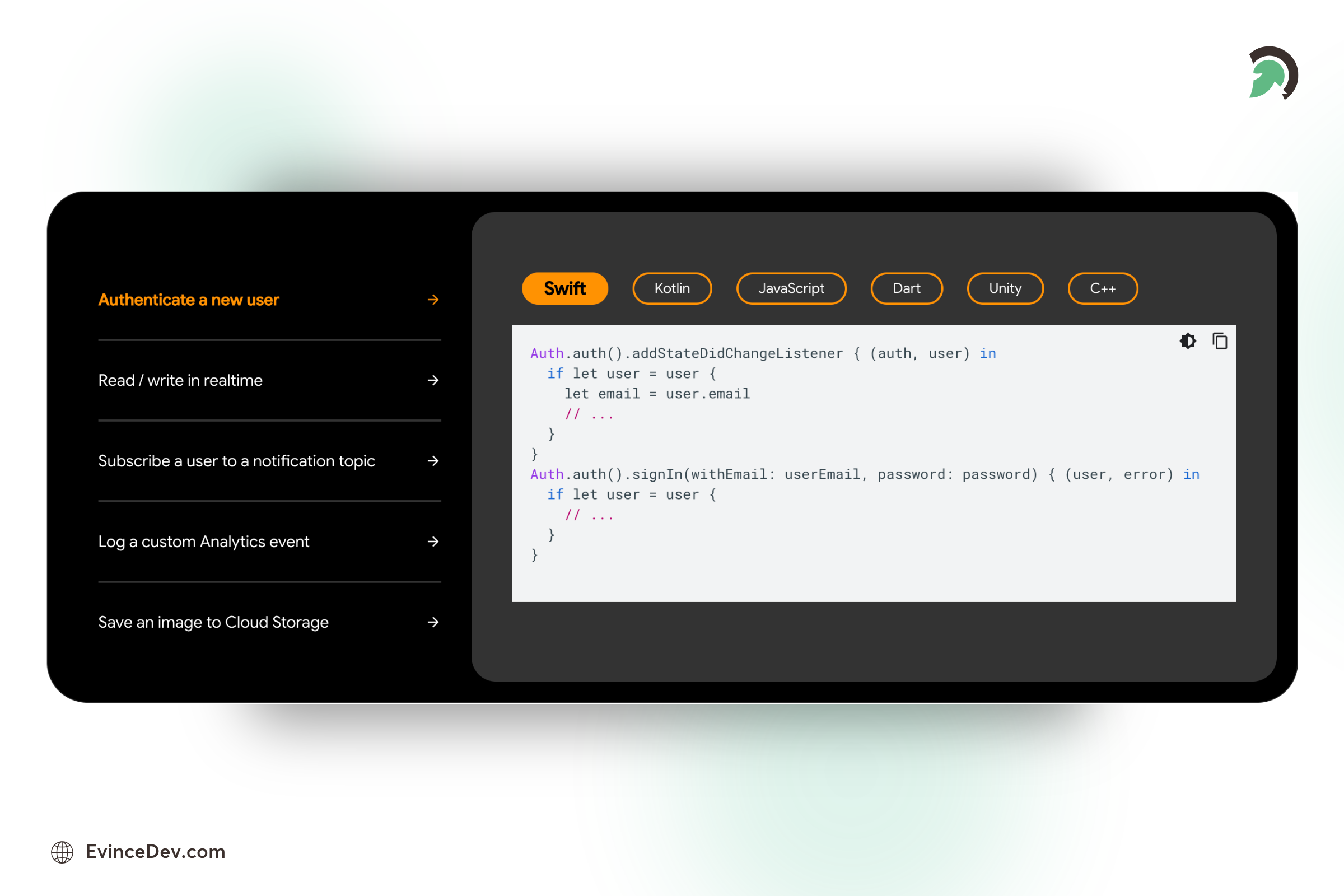
Firebase Application Development Platform
Pros:
Faster Development: Provides ready-made backend services that reduce development effort.
Strong Mobile Support: Works seamlessly with Android and iOS applications.
Google Ecosystem Integration: Connects easily with other Google Cloud services.
Real-Time Features: Enables live updates and interactive application experiences.
Cons:
Vendor Dependency: Applications built heavily around Firebase services may require migration planning later.
Limited Database Flexibility: Firestore structure may not suit every complex relational application.
Cost Scaling: Usage-based pricing can increase as applications grow.
35. GDB (GNU Debugger)
GDB is a powerful open-source debugger for C, C++, and other languages. It offers precise control over code execution during debugging.
Key Features:
- Supports multiple programming languages, including C and C++.
- Real-time debugging with breakpoints and watchpoints.
- Command-line interface for detailed debugging sessions.
Why Use GDB in 2026?
GDB remains a crucial tool for developers working with compiled languages like C/C++ and provides detailed insights into code execution.
Pros:
- Cross-platform and open-source.
- Highly configurable with extensive debugging features.
- Provides detailed insights into code execution.
36. Xcode Debugger (Apple)
Xcode Debugger is Apple’s built-in debugging tool for iOS and macOS app development. It offers a robust suite of features.
Key Features:
- Integrated with Xcode IDE for macOS and iOS development.
- Visual debugging interface with breakpoints.
- Real-time performance and memory tracking.
Why Use Xcode Debugger in 2026?
It’s a must-have for iOS and macOS developers, offering comprehensive debugging tools tailored to Apple’s ecosystem.
Pros:
- Seamless integration with Apple’s development tools.
- Visual debugging with real-time data tracking.
- Optimized for macOS and iOS development.
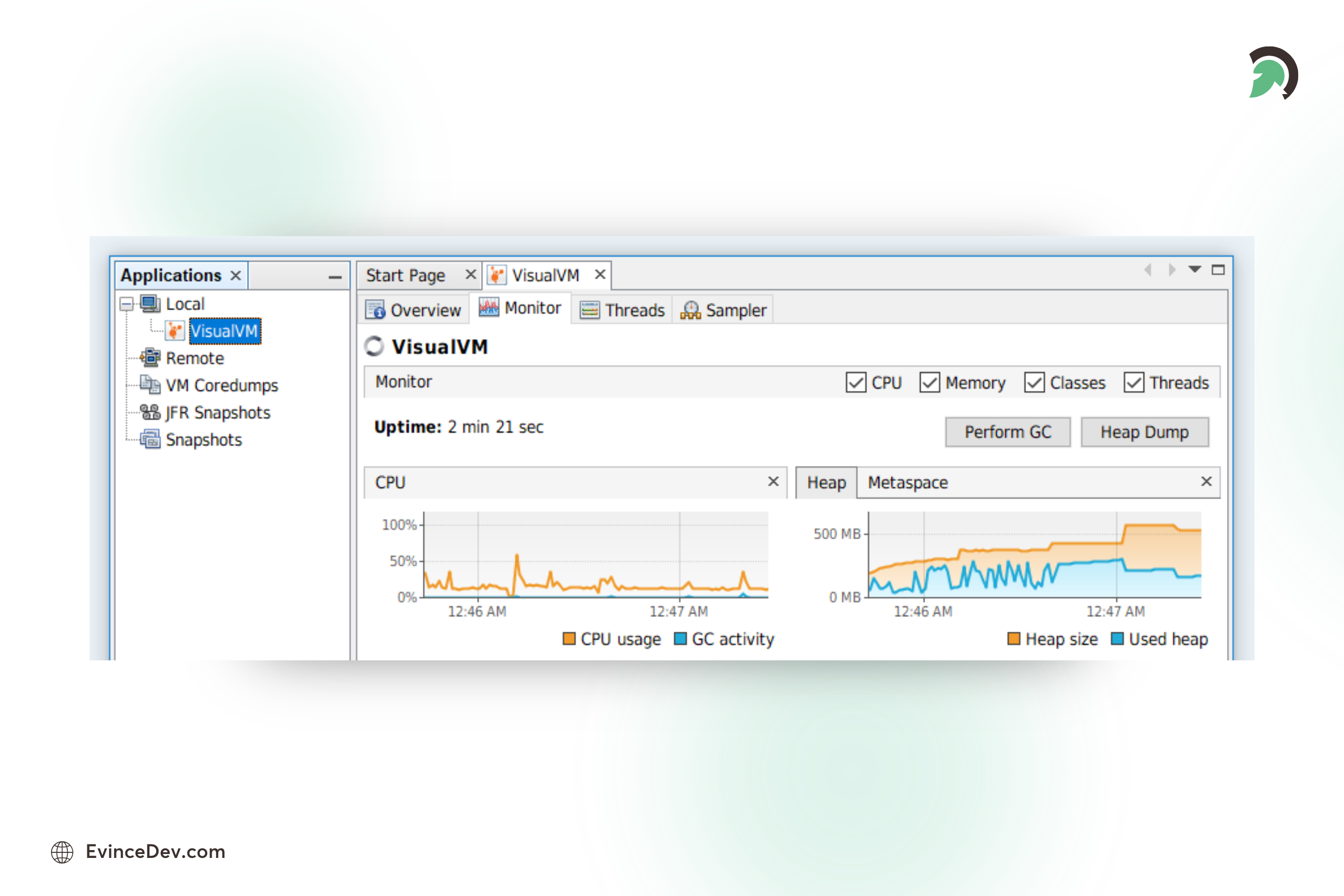
37. VisualVM (Oracle)
VisualVM is a Java troubleshooting tool that monitors and profiles applications, helping developers optimize performance.
Key Features:
- Real-time CPU, memory, and thread monitoring.
- Integrated profiling tools for performance optimization.
- Easy-to-use graphical interface.
Why Use VisualVM in 2026?
VisualVM remains essential for optimizing Java applications through detailed performance monitoring.
Pros:
- Free and open-source, provided by Oracle.
- Simple and intuitive user interface.
- Excellent for debugging and profiling Java applications.
38. Gprof (GNU Project)
Gprof is a performance analysis tool used to profile applications in languages like C, C++, and Fortran.
Key Features:
- Provides detailed performance statistics.
- Cross-platform support for multiple languages.
- Integrated with the GNU toolchain.
Why Use Gprof in 2026?
Gprof is invaluable for developers needing detailed performance insights into C/C++ applications.
Pros:
- Detailed reports on code performance.
- Cross-platform and open-source.
- Works well with existing GNU development tools.

How to Choose the Best Software Development Tools?
Choosing the right tools is especially important when building tailored solutions through custom software development services, as development teams need technologies that align with project requirements, scalability goals, security needs, and long-term maintenance plans. Choosing the best developer tools for software development involves considering several key factors:
- Project Requirements: Identify your project’s specific needs, such as the programming language, framework, or platform you’ll be working on. Tools should align with your development environment.
- Ease of Use: The tool should have an intuitive interface and a gentle learning curve to boost productivity and reduce time spent on training.
- Integration: Choose tools that seamlessly integrate with your existing development stack (e.g., Git, Docker, or Jira) for better workflow efficiency.
- Scalability: Consider how the tool will handle larger projects and growing team sizes.
- Community Support: Opt for tools with active communities and frequent updates to ensure ongoing support and improvements.
Conclusion
Software development is more diverse and collaborative than ever, with many tools designed to streamline workflows, improve productivity, and enhance code quality. By following software development best practices, teams can effectively utilize these tools to maximize their impact. Whether you’re working on web development, DevOps, UI/UX design, or backend APIs, the tools mentioned in this blog will help you stay ahead of the curve.
Embrace these tools in 2026 to build better, faster, and more reliable software. Partnering with experienced teams offering custom software development services can help businesses choose the right technology stack and build scalable, secure, and high-performing software solutions. EvinceDev, a custom software development company in USA that, can help elevate your projects and drive innovation.